
Chess game review

Free chess game review jo explain kare aapki real mistakes.

Chess.com ya Lichess game import karo, PGN review karo aur clear report pao: blunders, missed wins, turning points aur next position to train.

Chess.com, Lichess aur PGN-friendly workflow.Blunders, missed wins aur turning points explained.Game report se focused review tak.
85%
Accuracy
3 min
Clear priorities
1 focus
aapke next training block ke liye
Problem

Engines calculate karte hain.Lekin ye explain nahi karte.

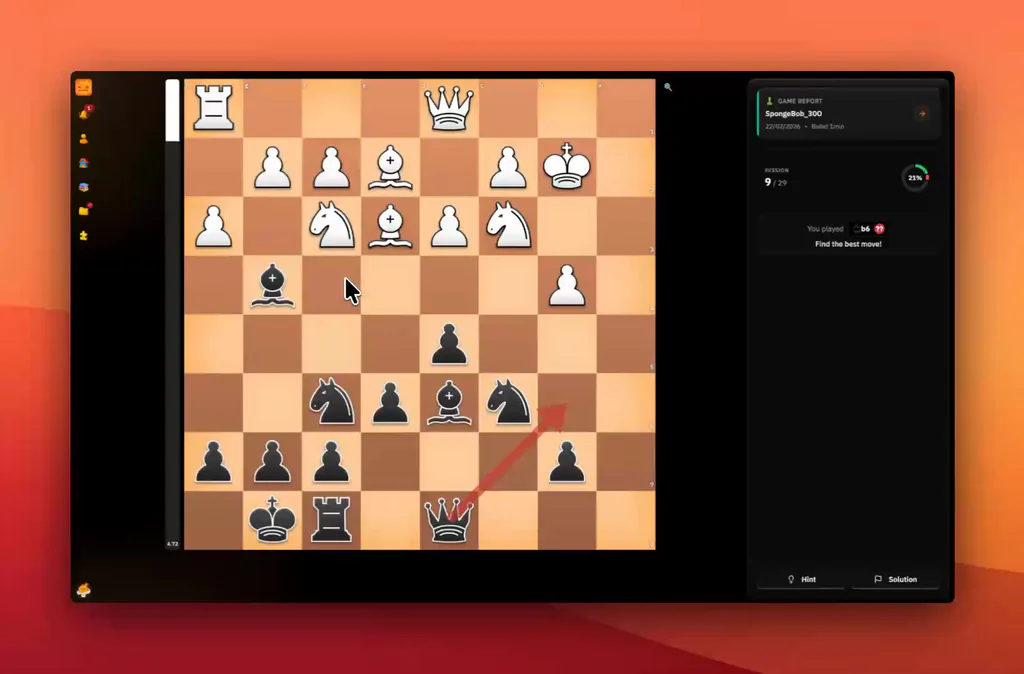
Evaluation bar ko -4.5 tak girte dekhna aapki weaknesses samajhne mein madad nahi karta. Ye sirf batata hai ki aapne abhi bahut badi mistake ki hai.
Without

Engine ka tareeka

Tumhe depth 30 par ek line dikhata hai jo sirf Grandmaster calculate kar sakta hai. Tum kuch memorize nahi karte.

Engine Eval

14... Nc6 15. d4 exd4 16. Nxd4 Nxd4 17. Qxd4...

Numbers bahut zyada hain, direction kaafi nahi hai

Evaluation bar ko -4.5 tak girte dekhna aapki weaknesses samajhne mein madad nahi karta. Ye sirf batata hai ki aapne abhi bahut badi mistake ki hai.
With

Coach ka tareeka

Ye batata hai ki aapne piece kyun lose kiya aur uske bajay kya karna chahiye tha. Simple aur actionable.

Coach summary

Aapne bahut aggressively play kiya. Ye attack launch karne se pehle, castling karke apne king ko secure karna chahiye tha. Ab aapka center collapse ho raha hai.

3. Sabse zaroori moments par focus karo

Jis exact moment par game shift hua, wahan aasani se navigate karo. Is baar right decision lo.

Solution

Analysis players ke liye, computers ke liye nahi.

Clear report jo ek game ko next useful training step me badalti hai.

Numbers nahi, words.

Apne key moves par text comments pao. Endless logical sequences decode karne ke bajay position ke peeche ka idea samjho.

Right move, par sabse zyada right plan.

Best continuation step by step explain ki gayi hai, taaki aap samajh sako ki overall objective kya target karna chahiye tha.

Sirf summary nahi, ek review tool.

'Blunder Review' mode ke saath, apne worst moments ko clear mind se replay karo aur solution dhoondh kar prove karo ki aapne lesson seekh liya hai.

Report kya cover karti hai

Chess game analysis me jo chahiye, overload ke bina.

Players ko best-move engine se zyada chahiye. ChessFlare batata hai kya hua, kyun important tha aur next kya review karna hai.

Chess.com aur Lichess games analyze karo

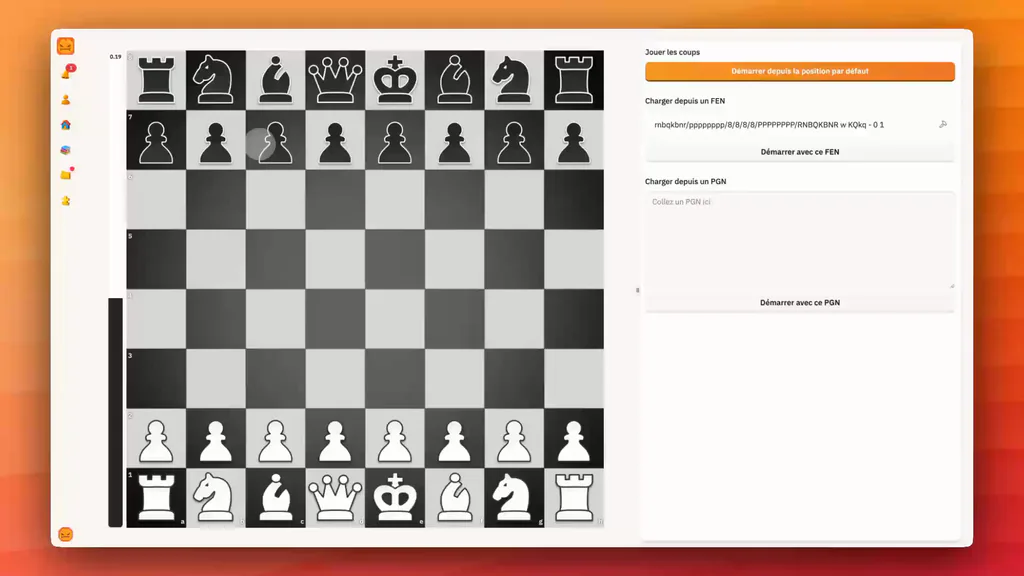
Accounts ek baar connect karo, recent games sync karo, phir moves manually copy kiye bina report kholo.

Precision chahiye to PGN review karo

Tournament games, studies ya kisi bhi position ke liye PGN-friendly workflow use karo.

Blunders, missed wins aur turning points pakdo

Noise skip karo aur seedha un moments par jao jahan result badla ya plan fail hua.

Mistake ko ek baar padhne ke bajay train karo

Key moments review me bhejo taaki next session us position se start ho jo game mehngi padi.

Connect karo

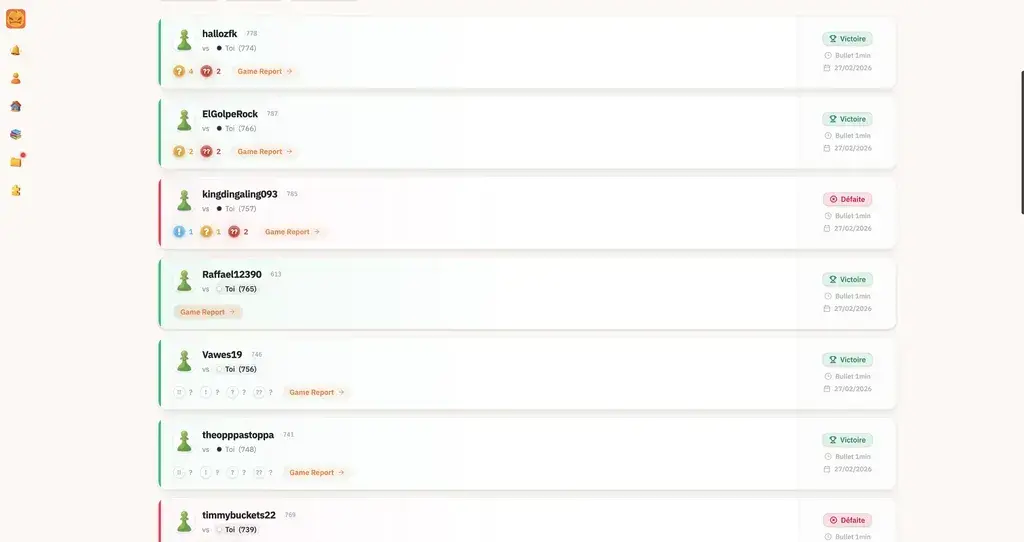
1. Apne accounts connect karo

Apni histories seconds me link karo. Sab background me sync hota hai.

  • Aapke Chess.com aur Lichess accounts ke saath 1 click me compatible.
  • Zero configuration required.
  • Card zaroori nahi. Instant access.
ChessFlare synchronized Chess.com and Lichess game history
Game Summary

2. Summary dekho

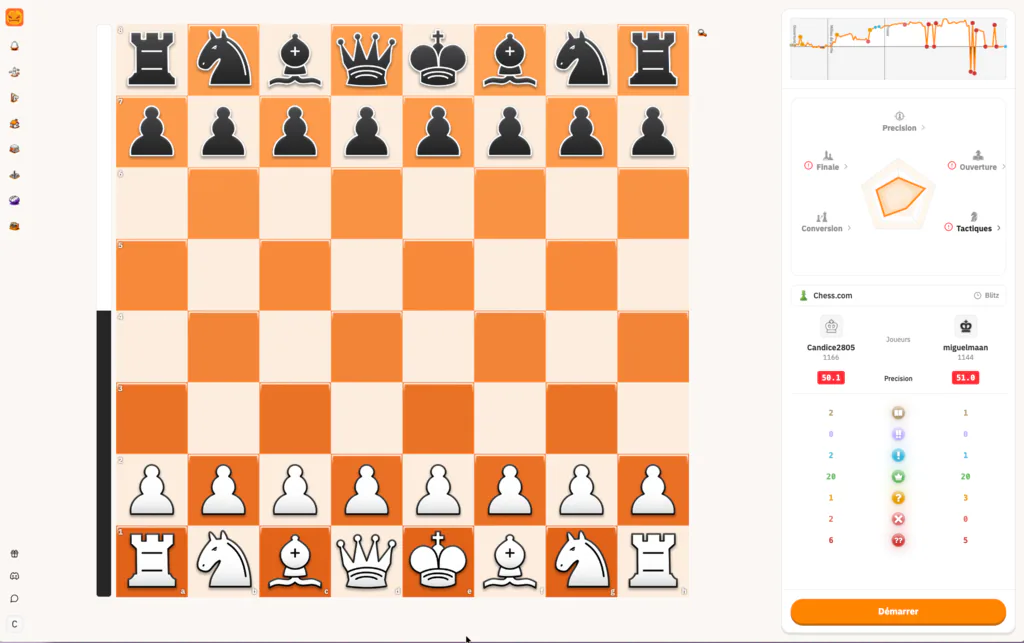
Game ke turant baad accuracy curve, move quality aur coach-style feedback dekho.

  • Blunders, missed wins aur turning points explained.
  • Accuracy, radar aur move quality ek report me.
  • Engine variations se pehle plain-language feedback.
ChessFlare game summary report with board, accuracy graph, radar and move quality counts
Mere blunders fix karo

3. Sabse zaroori moments par focus karo

Jis exact moment par game shift hua, wahan aasani se navigate karo. Is baar right decision lo.

  • Numbers nahi, words.
  • Right move, par sabse zyada right plan.
  • Sirf summary nahi, ek review tool.
FAQ

Aksar pooche gaye questions

Online chess game ka analysis kaise karun?

Apni game Chess.com, Lichess ya PGN se import karo, phir pehle key moments dekho: blunders, missed wins, turning points aur next plan.

Kya ChessFlare game report free hai?

Free ChessFlare account se start karo, apni games connect karo aur advanced training choose karne se pehle report workflow review karo.

Kya mujhe apne moves manually enter karne honge?

Nahi. Chess.com ya Lichess connect karo taaki games auto sync hon. Specific game review karni ho to PGN workflow bhi use kar sakte ho.

Kya main ise mobile par use kar sakta hoon?

Haan. Report quick mobile review ke liye bani hai, game ke turant baad critical moments dekho aur baad me deeper training karo.

Engine lines ke alawa report kya dikhati hai?

Report accuracy, blunders, missed chances, move quality, turning points aur practical plans ko simple language me explain karti hai.

Chess game review generate hone me zyada time lagta hai?

Zyada reports jaldi ready hoti hain. Deeper analysis chal raha ho to ChessFlare progress clear rakhta hai aur useful moments pehle dikhata hai.

Game Summary

Victory game ke baad banti hai.

Same mistake repeat karte hue games stack mat karo. Har match ke baad kuch minutes lo, turning point samjho, phir train karo.