Chess game review

Free chess game review that explains your real mistakes.

Import a Chess.com or Lichess game, review a PGN, and get a clear report: blunders, missed wins, turning points and the next position to train.

Chess.com, Lichess and PGN-friendly workflow.Blunders, missed wins and turning points explained.From game report to focused review.
85%
Accuracy
3 min
Clear priorities
1 focus
for your next training block
The problem

Engines calculate.But they don't explain.

Watching an evaluation bar drop to -4.5 doesn't help you understand your weaknesses. It only tells you that you just made a massive mistake.

Without

The Engine's way

Shows you a line at depth 30 that only a Grandmaster could calculate. You memorize nothing.

Engine Eval

14... Nc6 15. d4 exd4 16. Nxd4 Nxd4 17. Qxd4...

Too many numbers, not enough direction

Watching an evaluation bar drop to -4.5 doesn't help you understand your weaknesses. It only tells you that you just made a massive mistake.

With

The Coach's way

Tells you why you lost the piece and what you should have done instead. Simple and actionable.

Coach summary

You played too aggressively. Before launching this attack, you should have secured your king by castling. Now your center is collapsing.

3. Focus on key moments

Easily navigate to the exact moment the game shifted. Make the right decision this time.

The solution

Analysis designed for players, not computers.

A clear report that turns one game into the next useful training step.

Words, not numbers.

Get text comments on your key moves. Understand the idea behind a position, rather than trying to decipher endless logical sequences.

The right move, but mostly the right plan.

Discover the best continuation explained step by step to understand the overall objective you should have targeted.

More than a summary, a review tool.

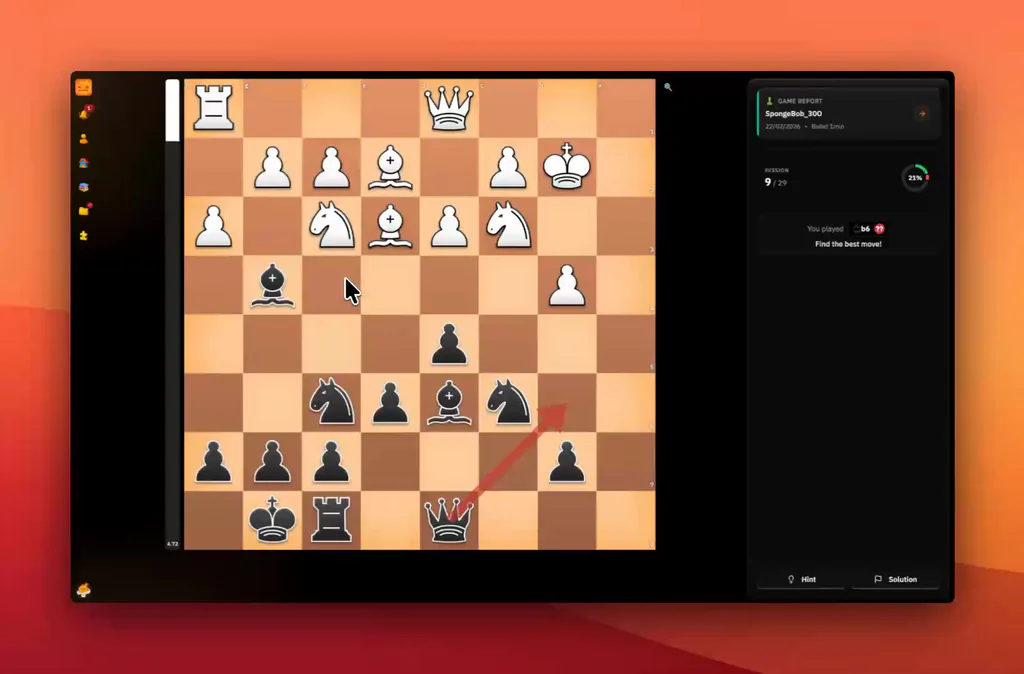
With the 'Blunder Review' mode, replay your worst moments with a clear head and prove you've learned the lesson by finding the solution.

What the report covers

Everything you expect from a chess game analysis, without the overload.

Searchers want more than a best-move engine. ChessFlare explains what happened, why it mattered, and what to review next.

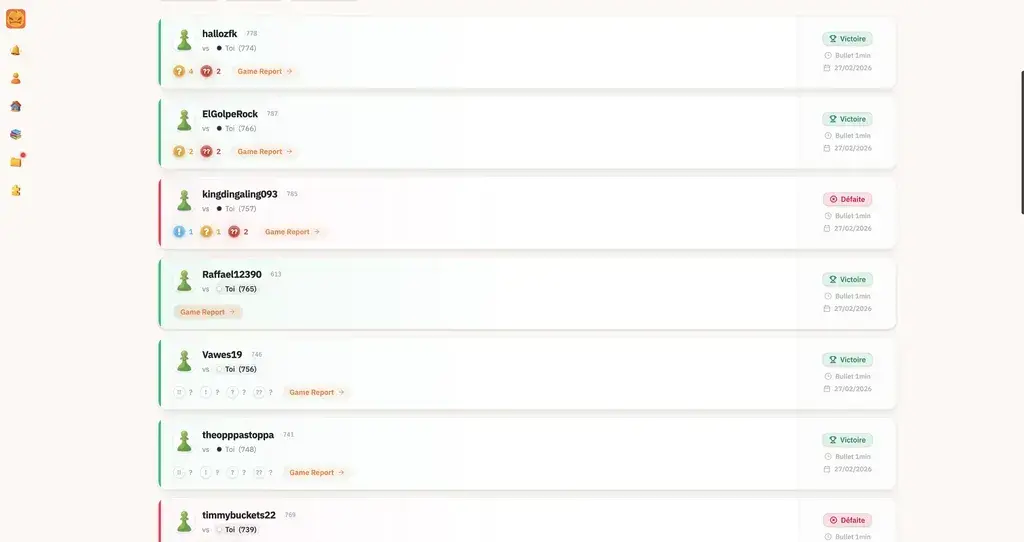
Analyze Chess.com and Lichess games

Connect your accounts once, sync recent games, then open a report without copying moves by hand.

Review a PGN when you need precision

Use the PGN-friendly workflow for tournament games, studies or any position you want to understand later.

Spot blunders, missed wins and turning points

Skip the noise and go straight to the moments where the result changed or your plan broke down.

Train the mistake instead of reading it once

Send key moments into review so the next session starts from the position that actually cost you the game.


Connect

1. Connect your accounts

Link your histories in seconds. Everything syncs in the background.

  • Compatible with your Chess.com & Lichess accounts in 1 click.
  • Zero configuration required.
  • No card required. Instant access.
ChessFlare synchronized Chess.com and Lichess game history
Game Summary

2. View the summary

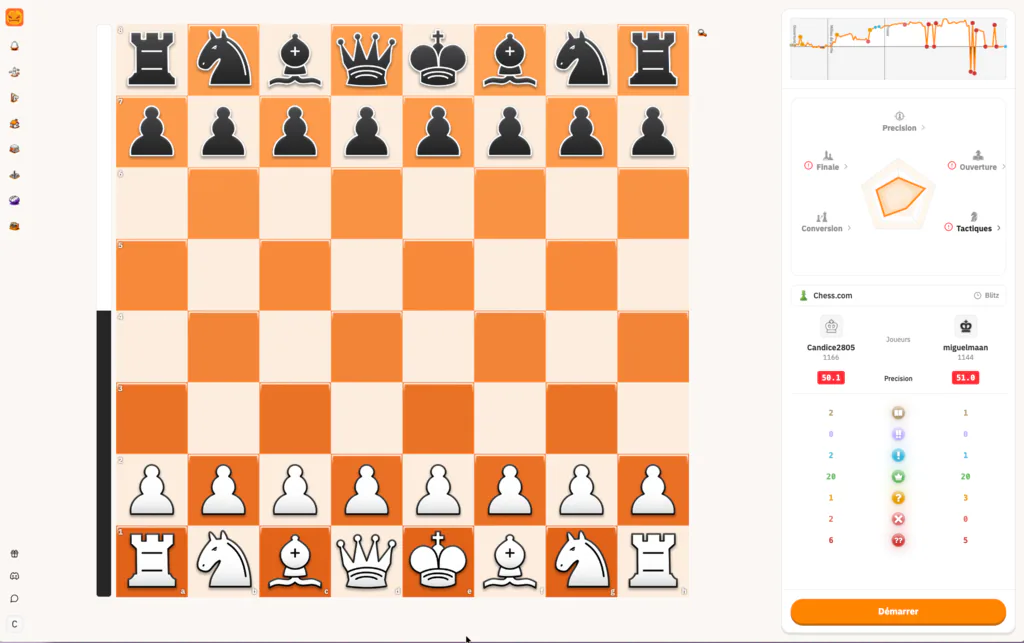
Right after the game, view your accuracy curve, move quality and coach-style feedback.

  • Blunders, missed wins and turning points explained.
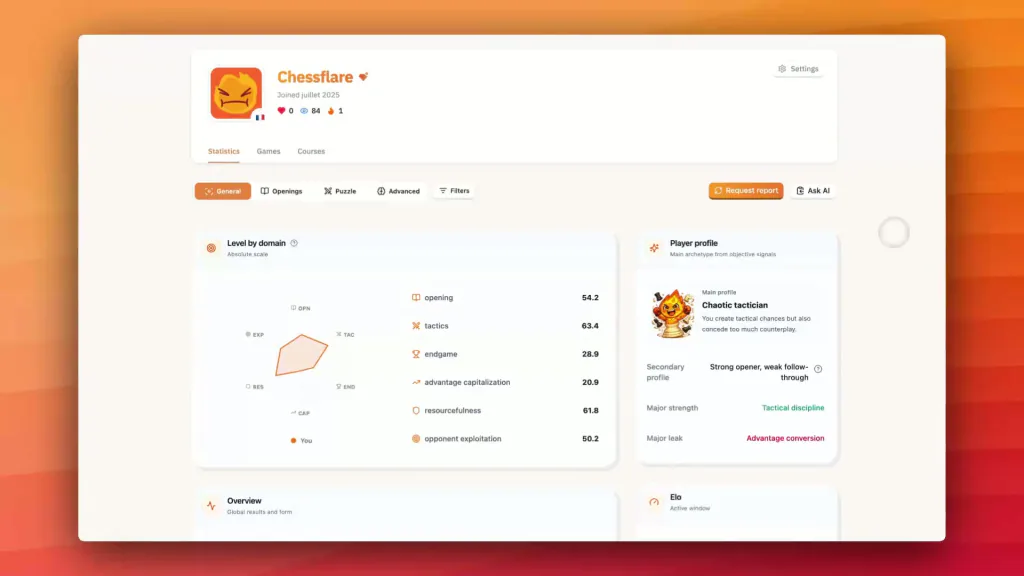
  • Accuracy, radar and move quality in one report.
  • Plain-language feedback before engine variations.
ChessFlare game summary report with board, accuracy graph, radar and move quality counts
Blunder Review

3. Focus on key moments

Easily navigate to the exact moment the game shifted. Make the right decision this time.

  • Words, not numbers.
  • The right move, but mostly the right plan.
  • More than a summary, a review tool.
FAQ

Frequently asked questions

How do I analyze a chess game online?

Import your game from Chess.com, Lichess or PGN, then read the key moments first: blunders, missed wins, turning points and the plan you should train next.

Is the ChessFlare game report free?

You can start with a free ChessFlare account, connect your games and review the report workflow before choosing whether you need more advanced training.

Do I have to enter my moves manually?

No. Connect Chess.com or Lichess to sync games automatically. You can also use the PGN workflow when you want to review a specific game.

Can I use it on mobile?

Yes. The report is built for quick mobile review, so you can check the critical moments right after a game and come back later for deeper training.

What does the report show besides engine lines?

The report explains accuracy, blunders, missed opportunities, move quality, turning points and practical plans in plain language, not only raw engine variations.

Does it take long to generate a chess game review?

Most reports are ready quickly. When deeper analysis is running, ChessFlare keeps the progress clear and brings you back to the useful moments first.

Game Summary

Victory is built after the game.

Stop stacking games while repeating the same mistake. Take a few minutes after each match, understand the turning point, then train it.