

The workspace to build, learn,and improve your chess step by step
Build, learn, review, and train from your Chess.com/Lichess games with SM2 on desktop and mobile.

The real problem
A single tool is not enough to improve
Most players edit or analyze, but they do not have a full loop to turn each game into durable progress.
Workflowfragmented
You create lines, but without a memorization system or a real correction routine.
You see evaluations, but without clear prioritization of which mistakes to fix.
You train, but not on your own game mistakes.
Your games, repertoire, and reviews live in different places.
You train irregularly, then quickly forget important lines.
Workflowunified
Repertoire and variations in one workspace.
SM2 spaced review with automatic priorities.
Game summary + blunder review based on your real games.
Use desktop and mobile independently with synced data.
You know every day what to review first to improve faster.
Your progress becomes visible thanks to one end-to-end workflow.
1Build and organize your lines
Import your PGNs, structure your variations, and add useful annotations for real games.
- Clear opening tree
- Centralized variations and comments
- Solid base for the rest of your training
2Learn, review, and retain what matters
A complete workflow that combines Learn, Review, and Spaced Repetition to turn your lines into durable reflexes.
- Learn: active acquisition of important lines
- Review: guided repetition based on your progress
- Spaced Repetition: long-term retention without overload
3Turn your games into concrete actions
Sync your Chess.com/Lichess games, detect turning points, and fix recurring mistakes.
- Automatic game sync
- Game summary to quickly spot critical moments
- Blunder review to fix high-impact mistakes
Train with featured courses
Explore featured courses and start a clean training routine.
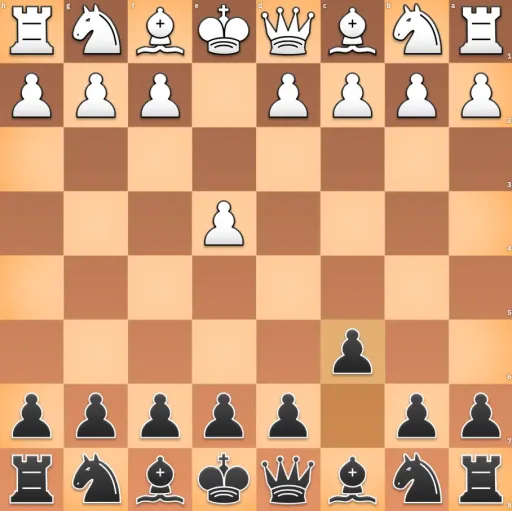













Choose the right training goal
Start from your player profile or from your immediate training goal. We have designed specific tools to help you improve faster.
Continue improving with complementary tools
Each feature helps you train a different part of your chess workflow, from review to memorization.
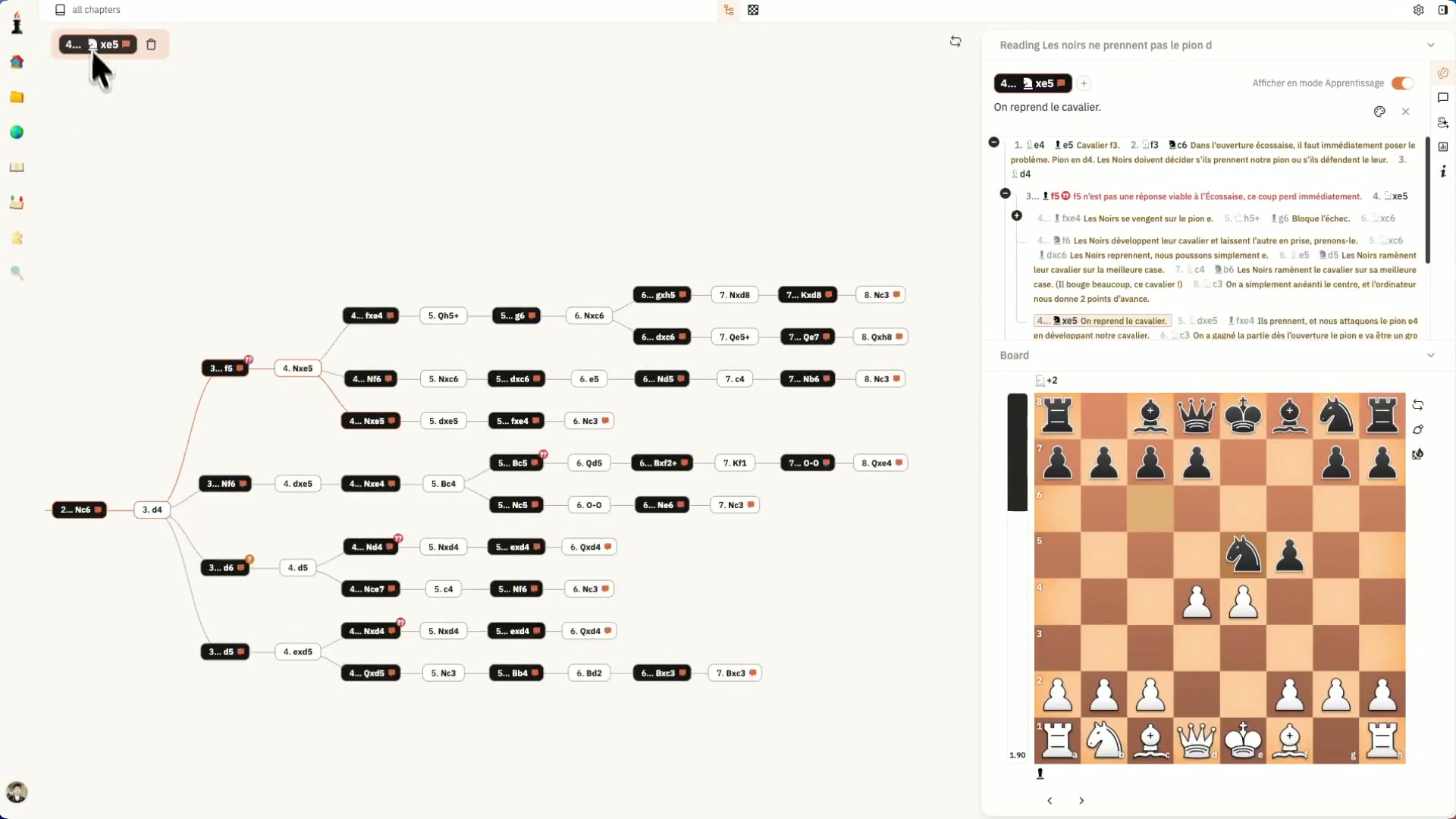
Learn your studies
Memorize lines faster with spaced repetition sessions.
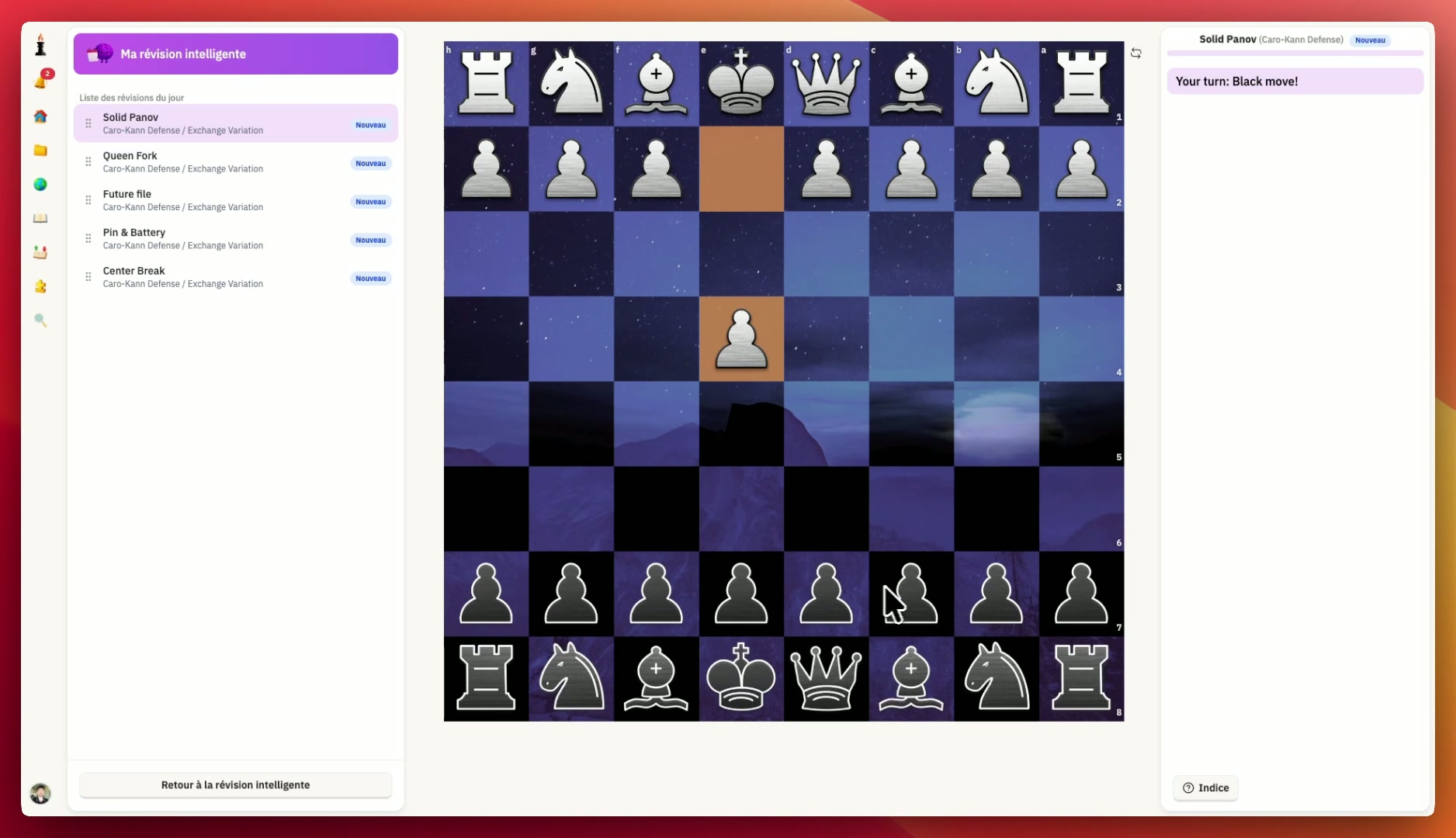
Spaced review
Keep your best lines fresh with adaptive review intervals.
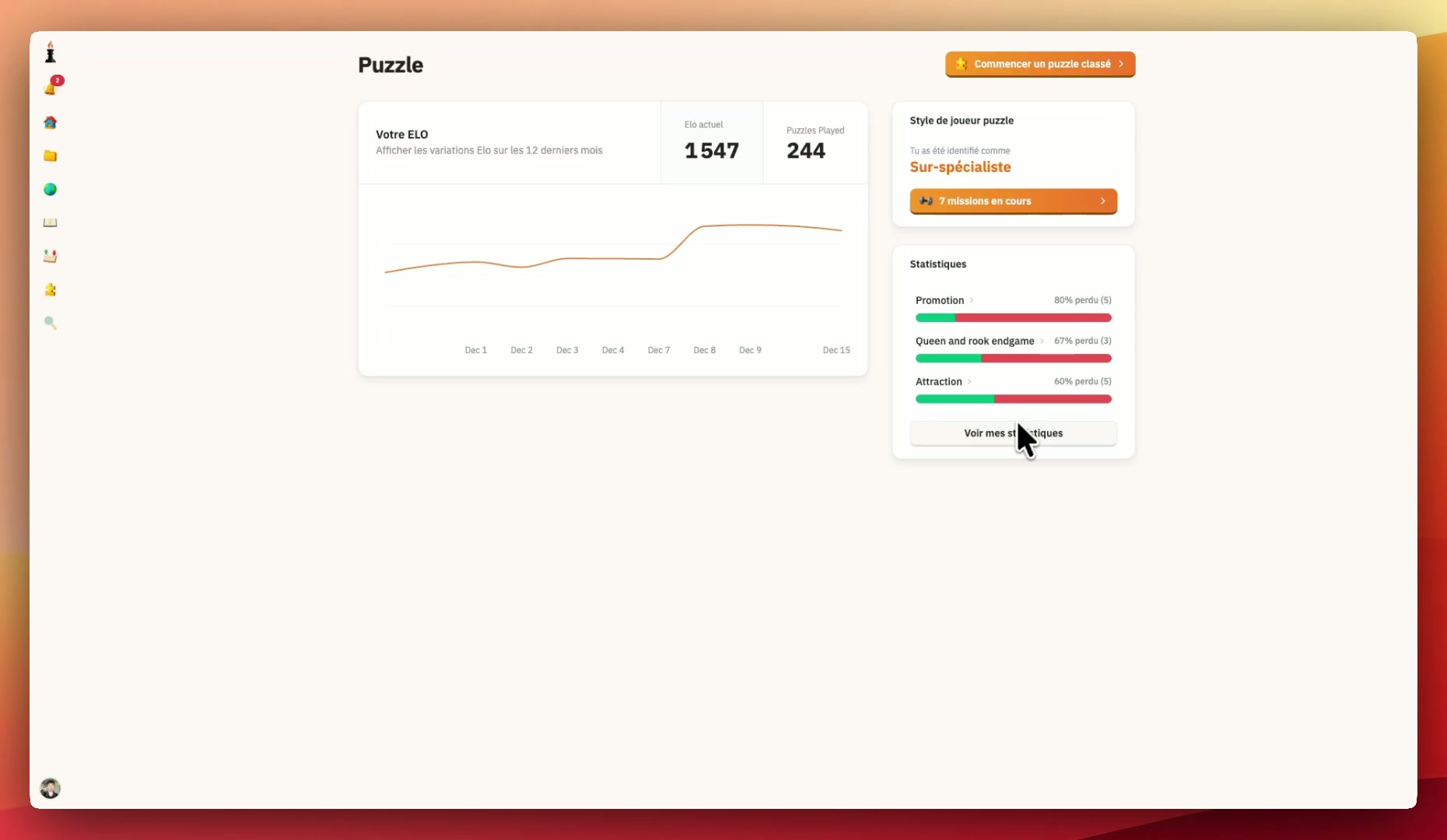
Weak spot puzzle
Turn tactical weaknesses into daily puzzle drills.
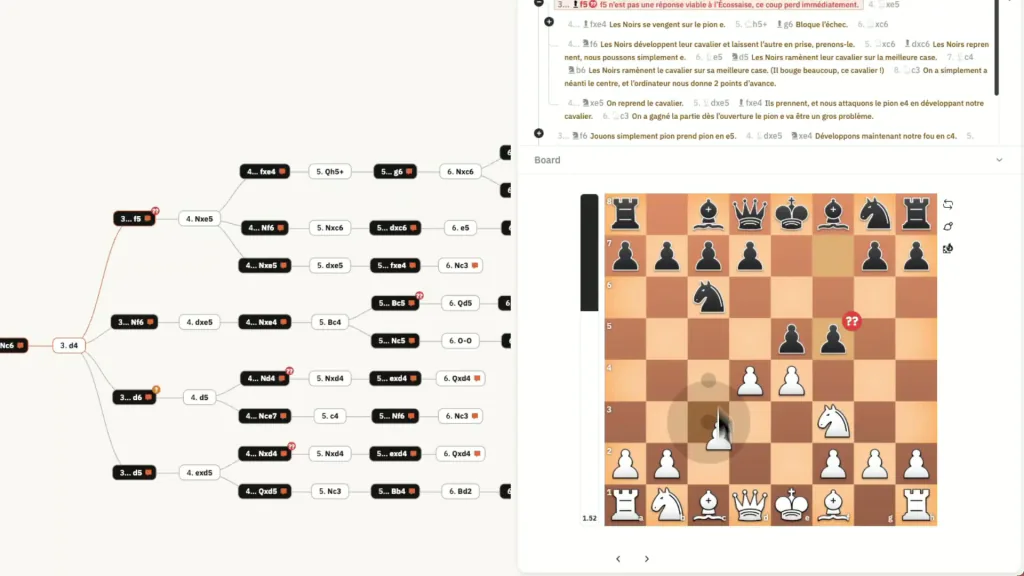
PGN Editor
Edit, import, and share PGN studies from one workspace.
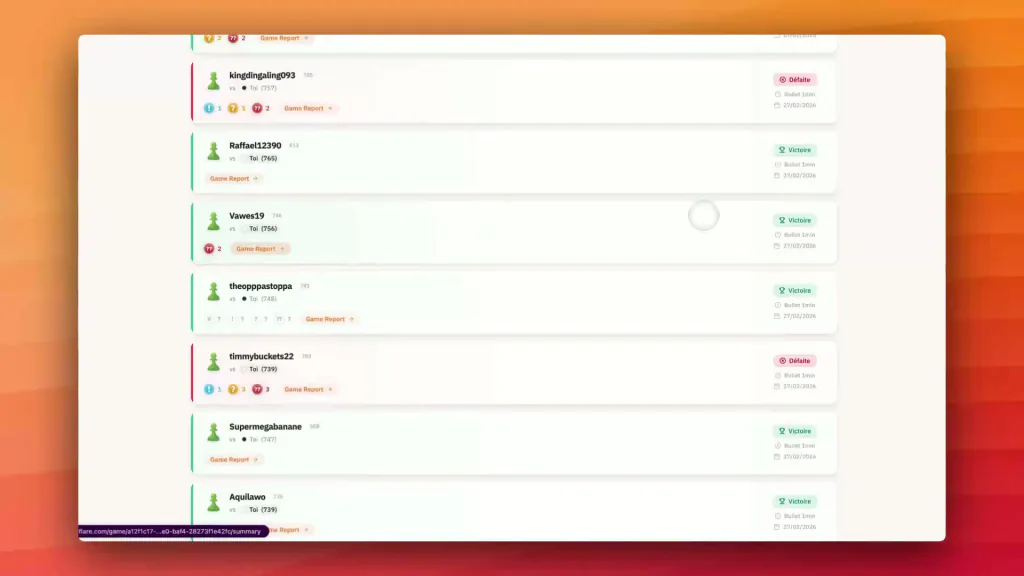
Play online
Start a real game, then turn the result into focused progress.
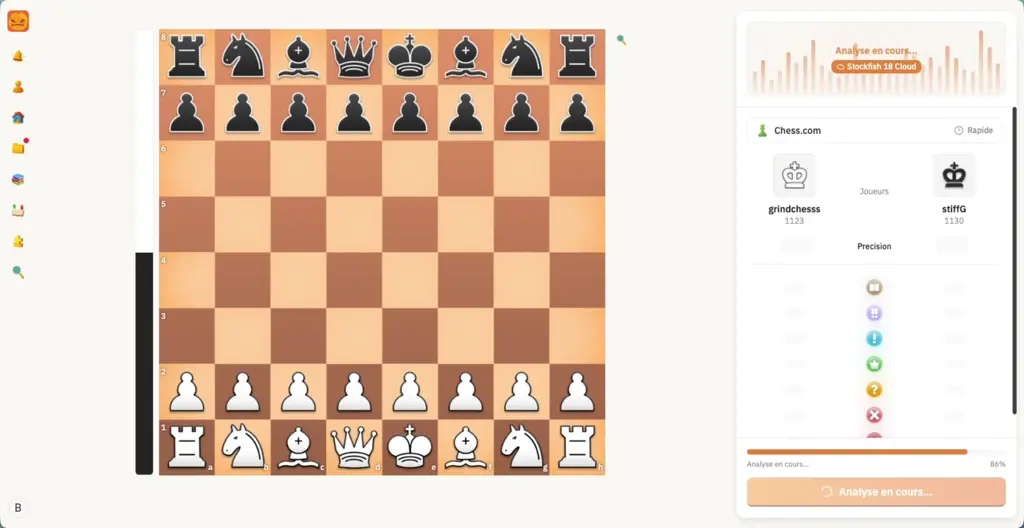
Game Summary
Understand game turning points with clear post-game feedback.
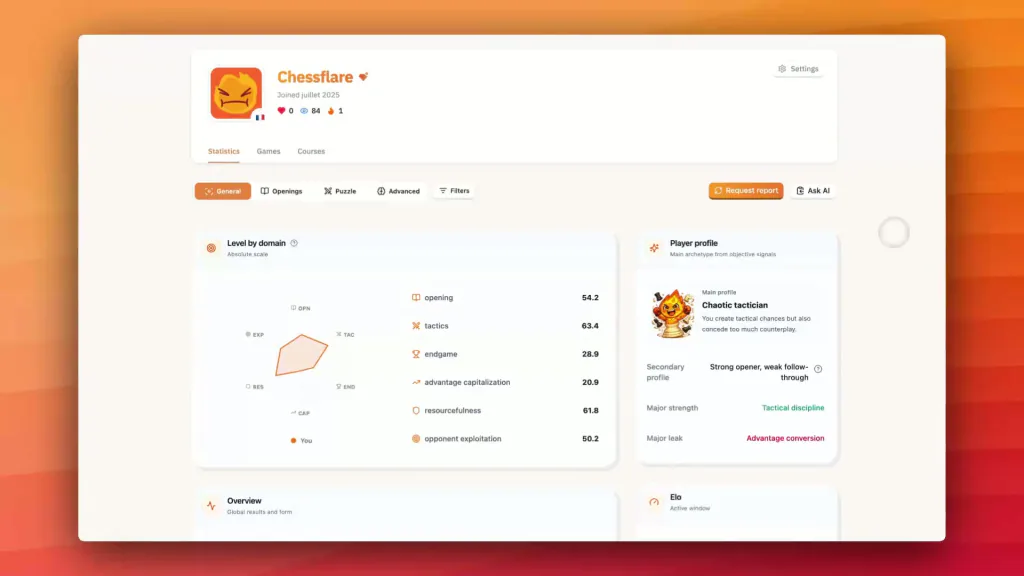
Advanced Player Stats
Track trends, reveal weak patterns, and focus your next training priority.
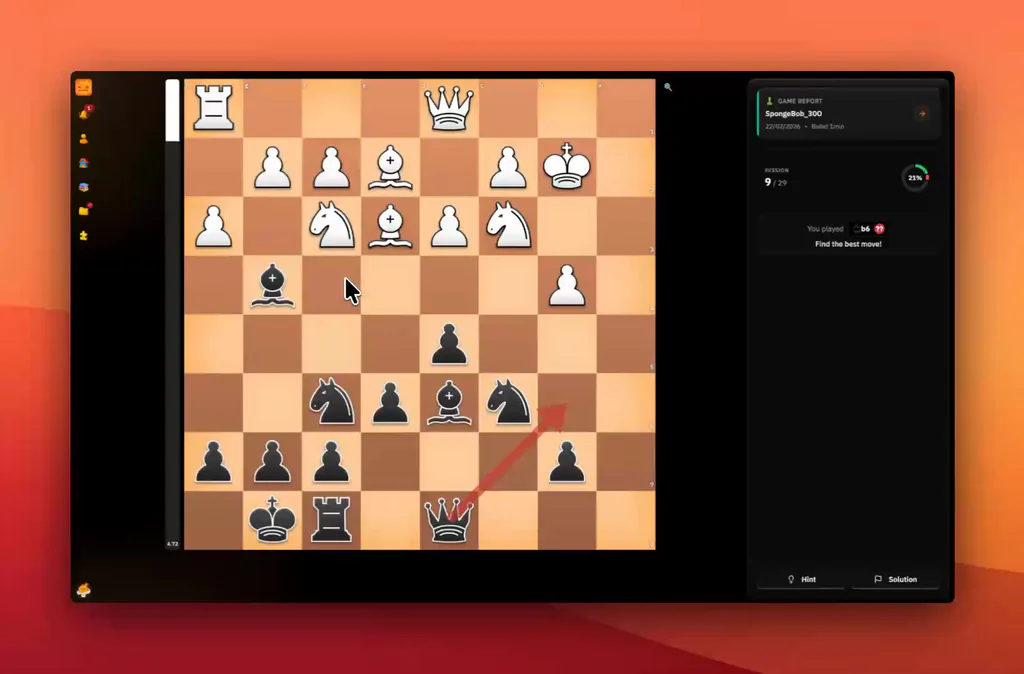
Blunder Review
Fix recurring blunders with focused mistake review sessions.
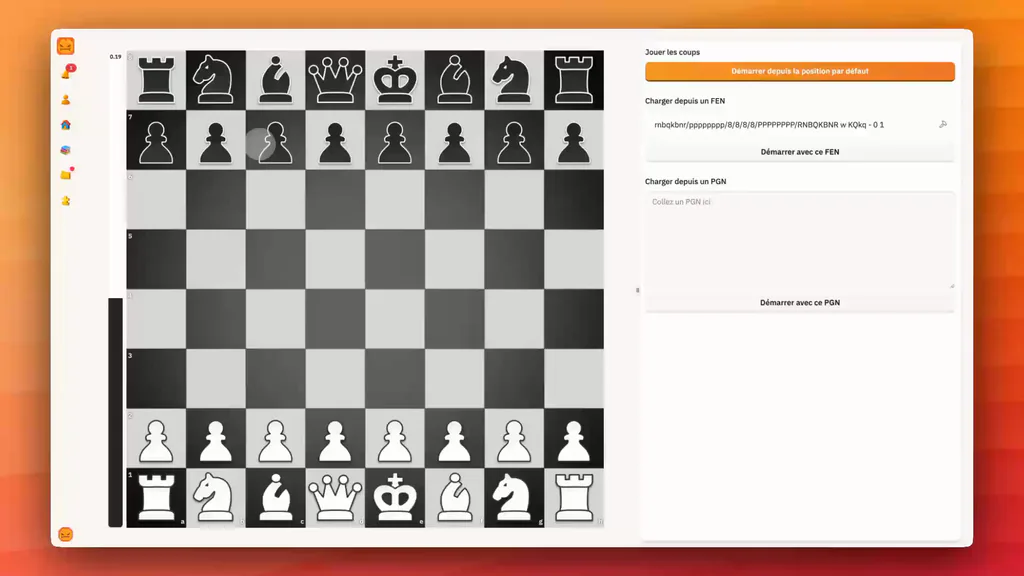
Analysis
Analyze positions with human explanations and engine depth.
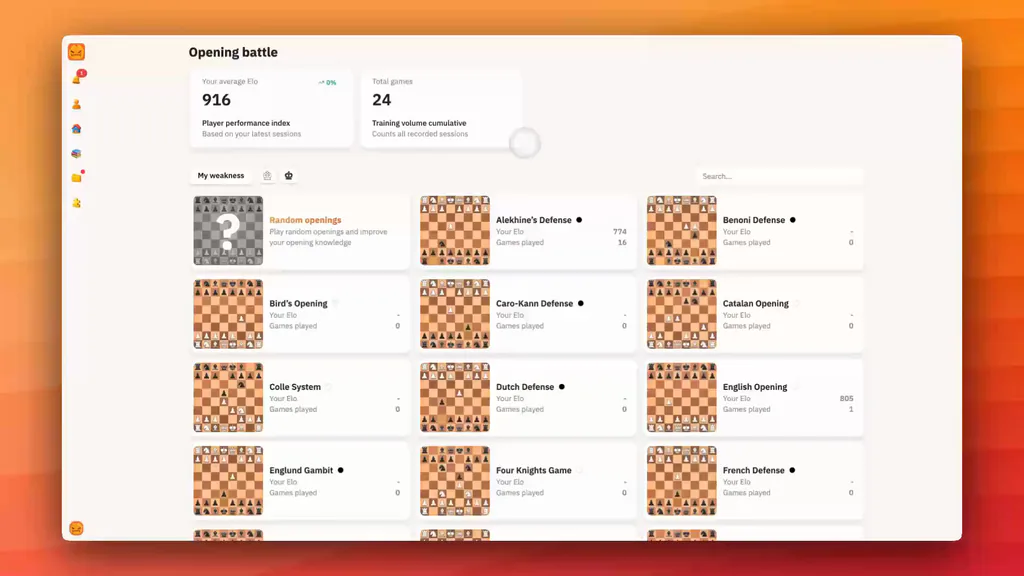
Opening Trainer
Drill opening lines in realistic game conditions.
Use desktop and mobile independently
Desktop and mobile are independent experiences, and your data stays synced in real time.
Comfortable creation
Edit and organize lines on desktop.
Quick review
Short, useful sessions on mobile.
Continuous progress
Real-time cloud sync across all your devices.
Choose the plan that fits your pace
Start for free, upgrade to Pro for unlimited progress, or lock long-term value with Lifetime.
Free
Ideal to discover the full workflow
- Access to essential features
- Repertoire creation and PGN import
- No credit card required
Pro Monthly
Cancel anytime
- All Pro features unlocked
- Learn, Review and unlimited training
- Full web and mobile sync
Pro yearly
Billed annually at $59.99 / year
- Learn, Review and unlimited training
- Full web and mobile sync
- 7-day trial included
Pro lifetime
One-time payment, lifetime access
- All Pro features unlocked
- No monthly or yearly renewal
- The best choice for long-term progress
Frequently asked questions
Is ChessFlare free?
Yes. You can start with the Free plan. Pro plans unlock more volume and deeper training.
Can I import my existing PGNs?
Yes. You can import your PGNs and organize them in a clean repertoire with variations, comments, and priorities.
Does it work with Chess.com and Lichess?
Yes. You can connect your accounts to sync your games and analyze your real mistakes faster.
Can I train on mobile?
Yes. Desktop and mobile work independently, and your progress data stays synced.
What is the difference from a basic PGN editor?
ChessFlare goes beyond editing: you build, review, fix real mistakes, and replay in one unified loop.
Can I keep my studies long term?
Yes. Your studies and progress are stored in your workspace and stay reusable over time.
Start the full loop: build, analyze, fix, memorize
It is the fastest way to turn your games into measurable progress.