

“Really great for learning and reviewing openings, the editor for building opening trees is useful for club players and helps newcomers get used to the format, can't wait for it to grow”
Stop repeating mistakes.Improve.
Turn every online game into concrete progress with a clear loop: sync, game summary, blunder review, analysis and weak spot puzzle.
Download the ChessFlare mobile appNo credit card required
Automatic game syncGame SummaryBlunder ReviewWeak Spot Puzzle
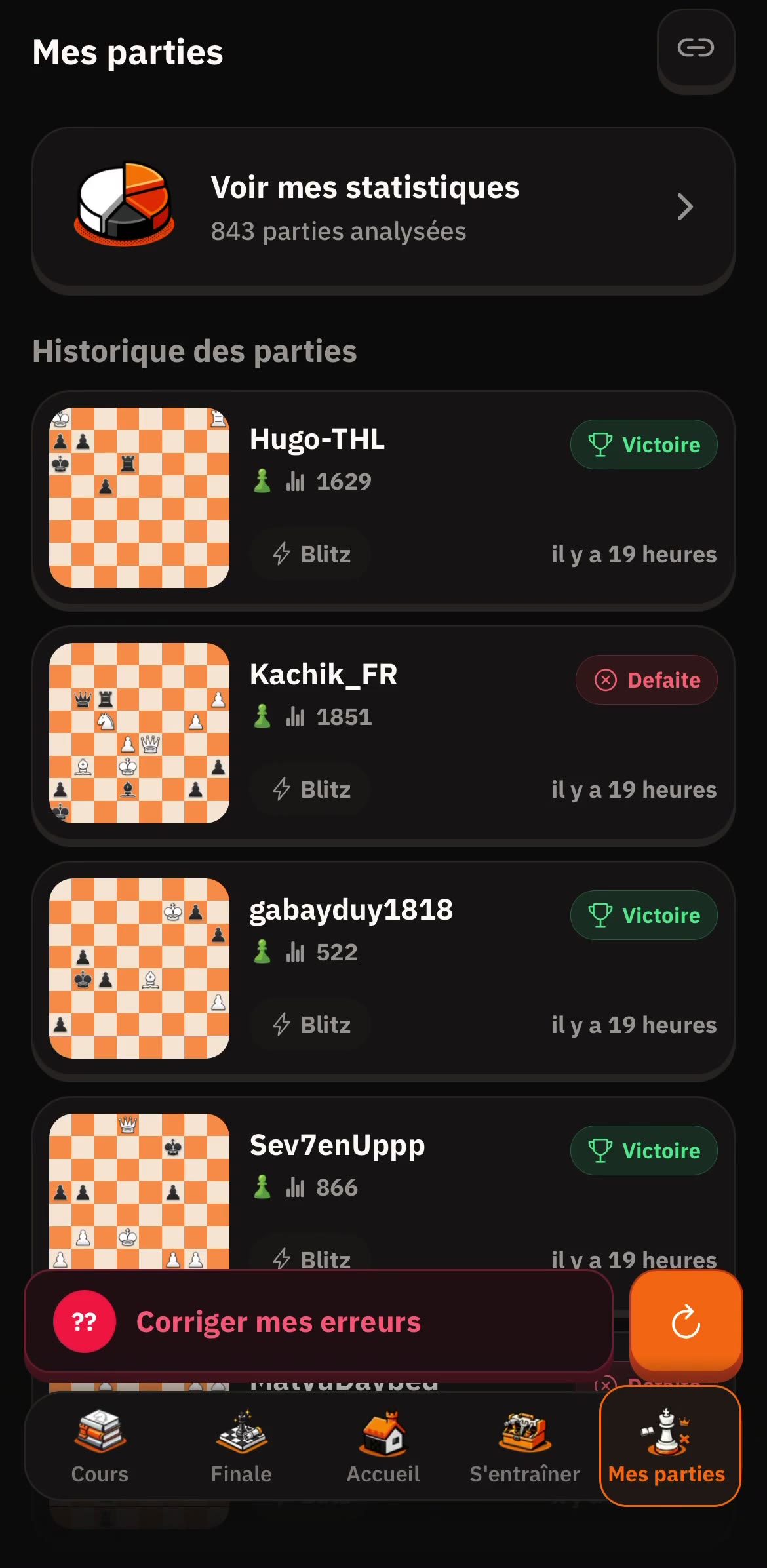
01Automatic game sync
02Game Summary
03Blunder Review
04Weak Spot Puzzle
From game to training
One game. One clear path to improve.
Sync your games, understand your mistakes, correct them, then train the positions that matter most.
01 / Automatic game sync
Automatic game sync
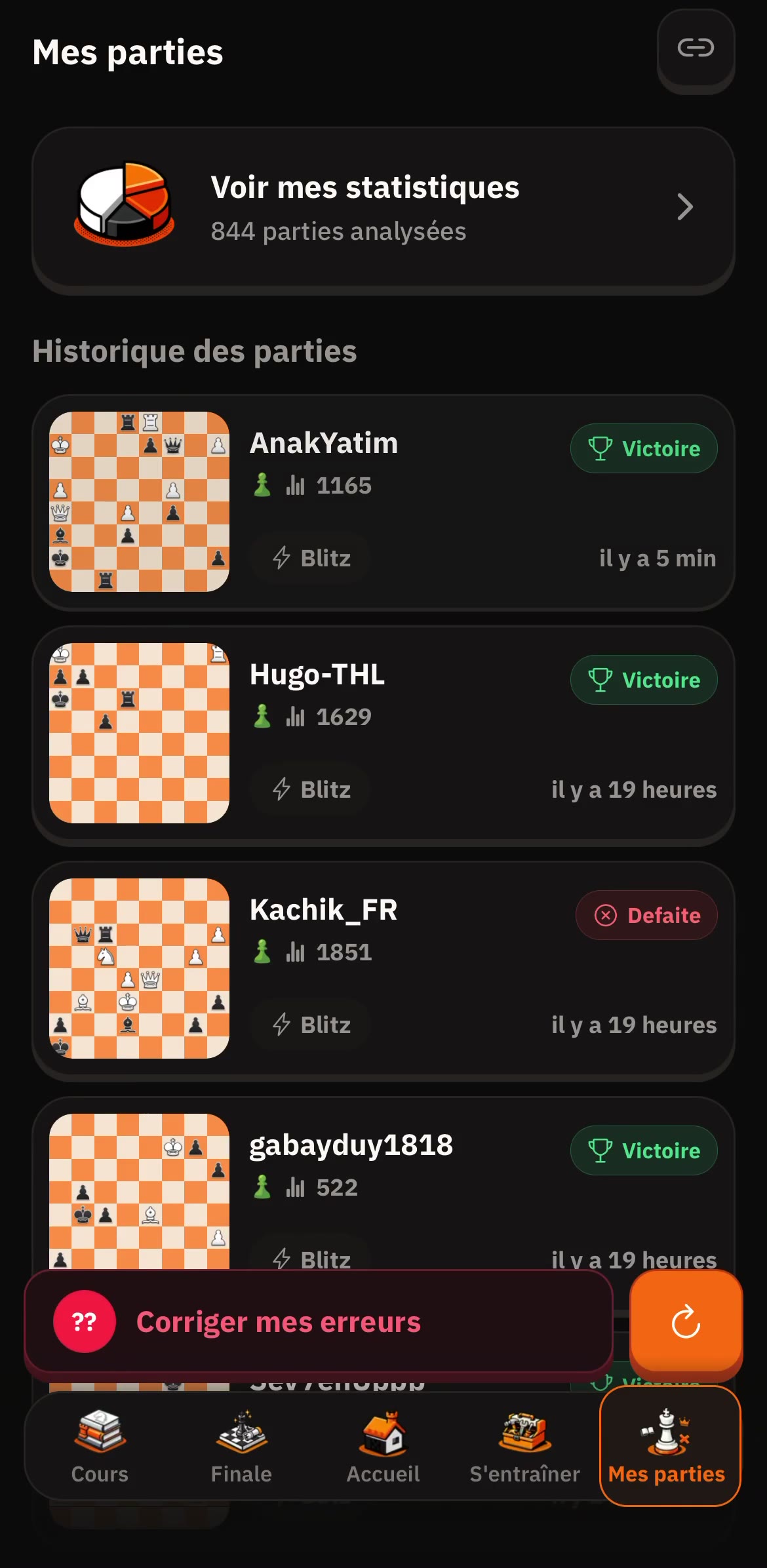
Automatically sync your latest Chess.com and Lichess games so every post-game review starts with complete data.
Connect your Chess.com and Lichess accounts to automatically import and analyze your games.
Sync your Chess.com/Lichess games, detect turning points, and fix recurring mistakes.
01Automatic game sync
ChessFlare
02 / Game Summary
Game Summary
Blunders, missed wins and turning points explained.
Analyze Chess.com, Lichess and PGN games with a clear report that explains blunders, missed wins, turning points and next training priorities.
The report explains accuracy, blunders, missed opportunities, move quality, turning points and practical plans in plain language, not only raw engine variations.
02Game Summary
ChessFlare
03 / Blunder Review
Blunder Review
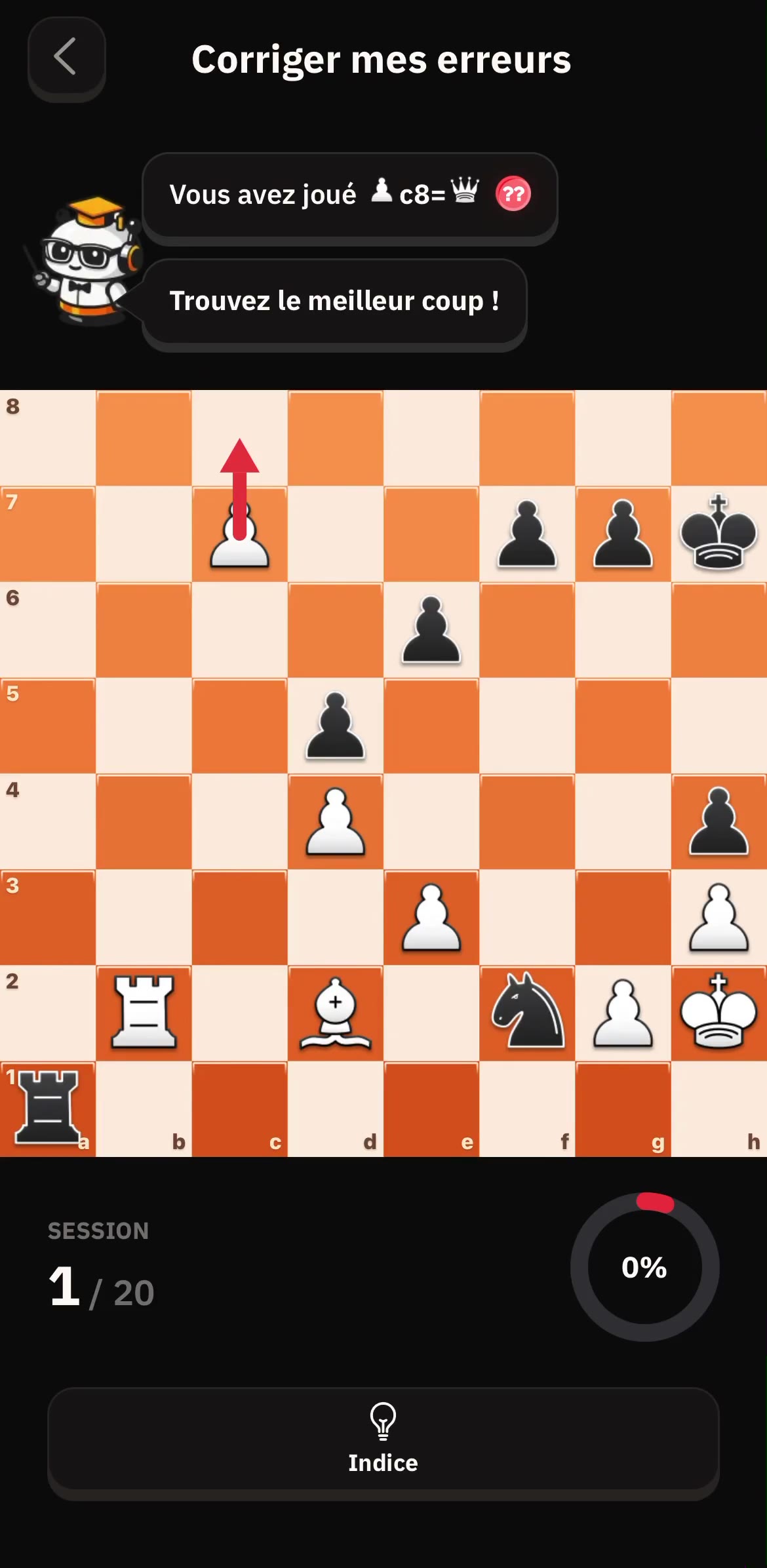
Launch Blunder Review to isolate high-impact mistakes, understand the pattern, and prioritize what to fix first.
Chess Blunder Review helps you find critical mistakes, understand why they failed, and review the key moments from your games faster.
Fix recurring blunders with focused mistake review sessions.
03Blunder Review
ChessFlare
04 / Weak Spot Puzzle
Weak Spot Puzzle
Train your recurring tactical weaknesses with targeted puzzles to convert analysis into measurable progress.
Identify and fix your chess tactical weak spots with targeted puzzles built from your real mistakes.
Target recurring tactical motifs from your own games and solve focused puzzles built from your real mistakes.
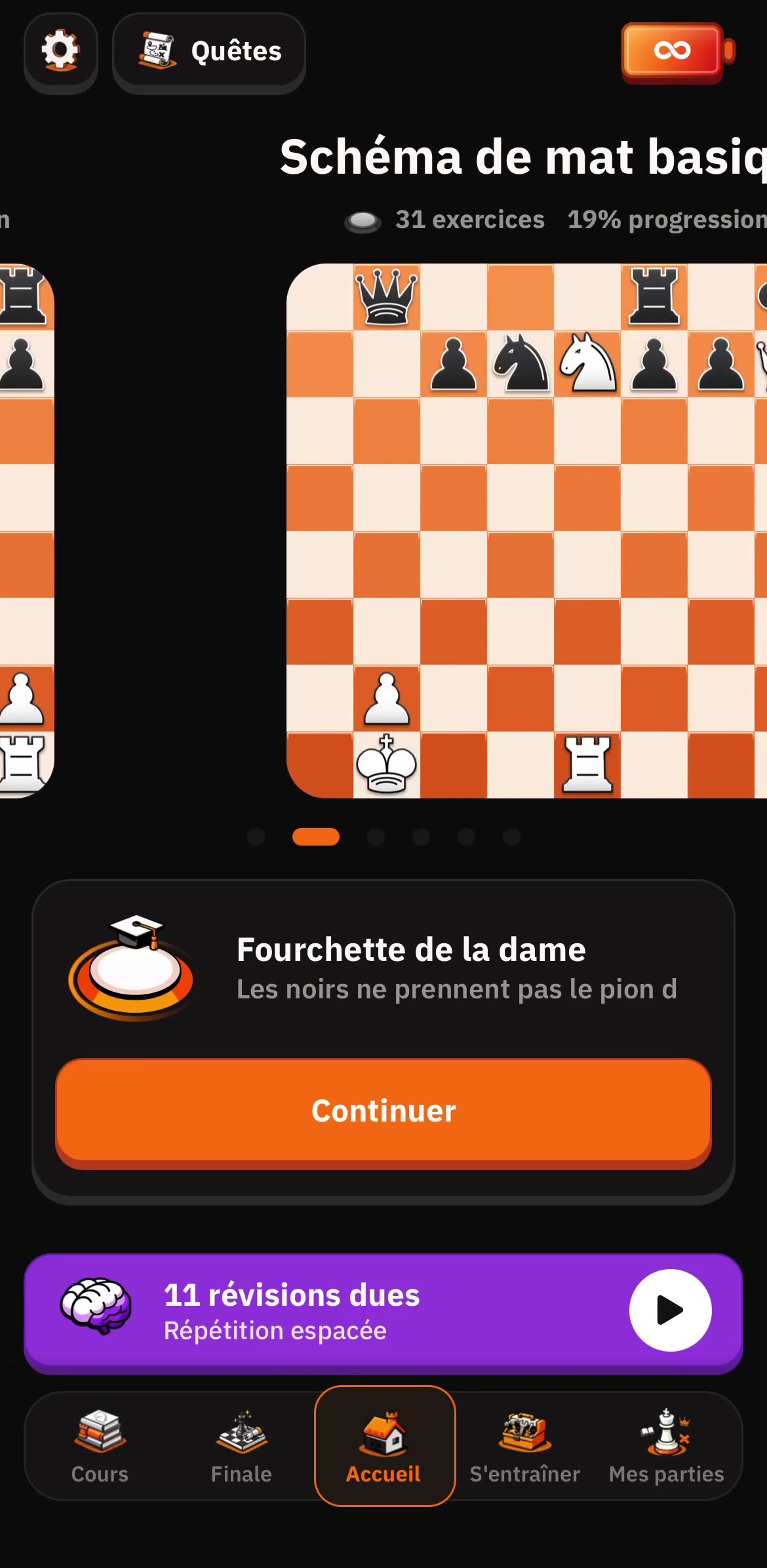
04Weak Spot Puzzle
ChessFlare
05 / Daily review without overload
Daily review without overload
Review daily with spaced repetition.
Protect memory by reviewing due lines with spaced repetition.
Run short mobile chess sessions with clear daily priorities to keep progress steady even on busy days.
05Daily review without overload
ChessFlare
06 / Create your repertoire
Create your opening trees effortlessly
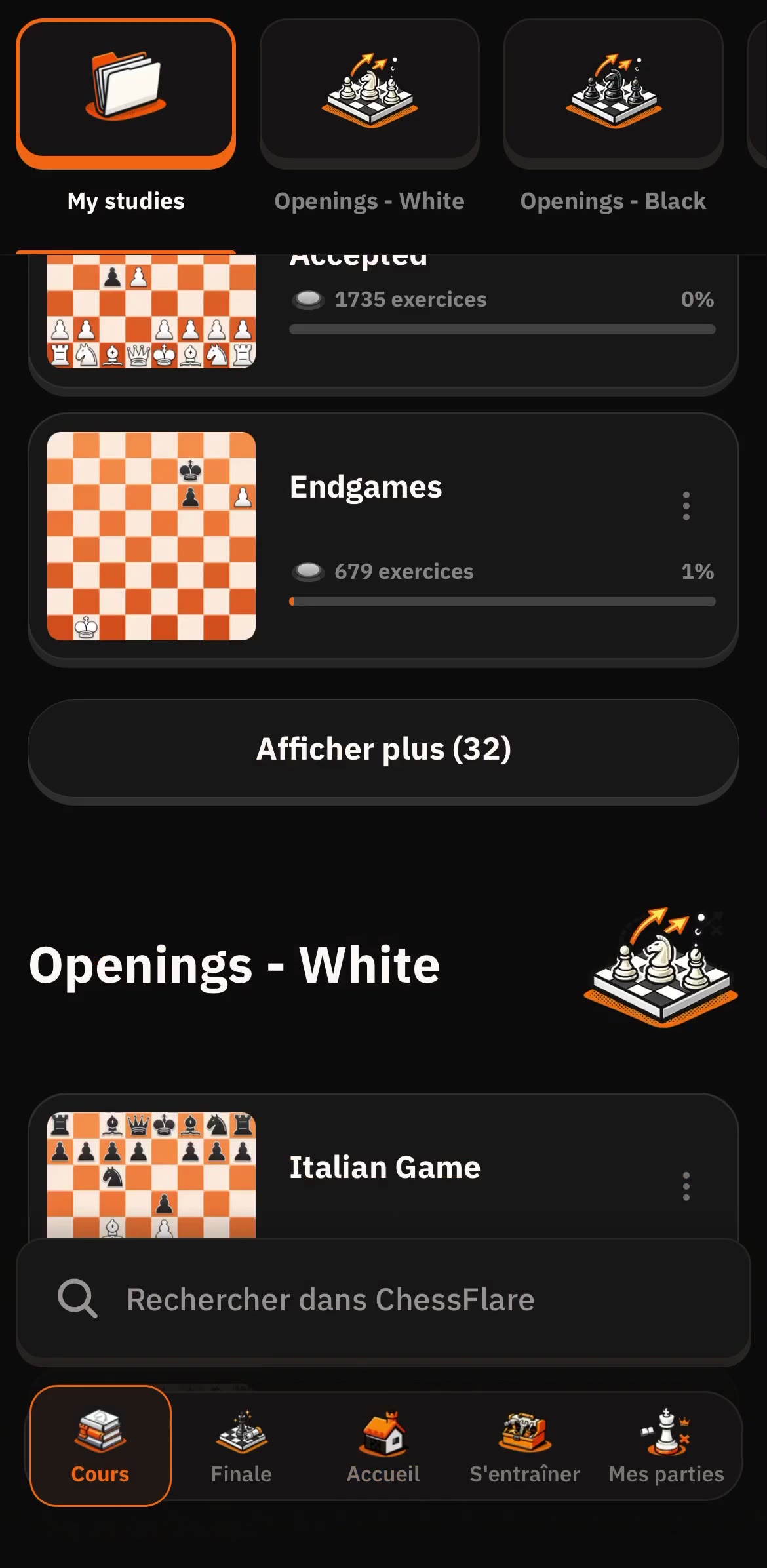
Create your lines with the PGN editor and organize them clearly in your variation tree.
Build opening repertoires by chapter, variation and idea, then turn your PGN work into training.
A Node Tree represents chess moves as a branching structure. Instead of a linear list with confusing brackets for variations, you see a visual tree where lines branch off clearly, making it easier to understand complex opening repertoires.
- Clear opening tree
- Centralized variations and comments
- Solid base for the rest of your training
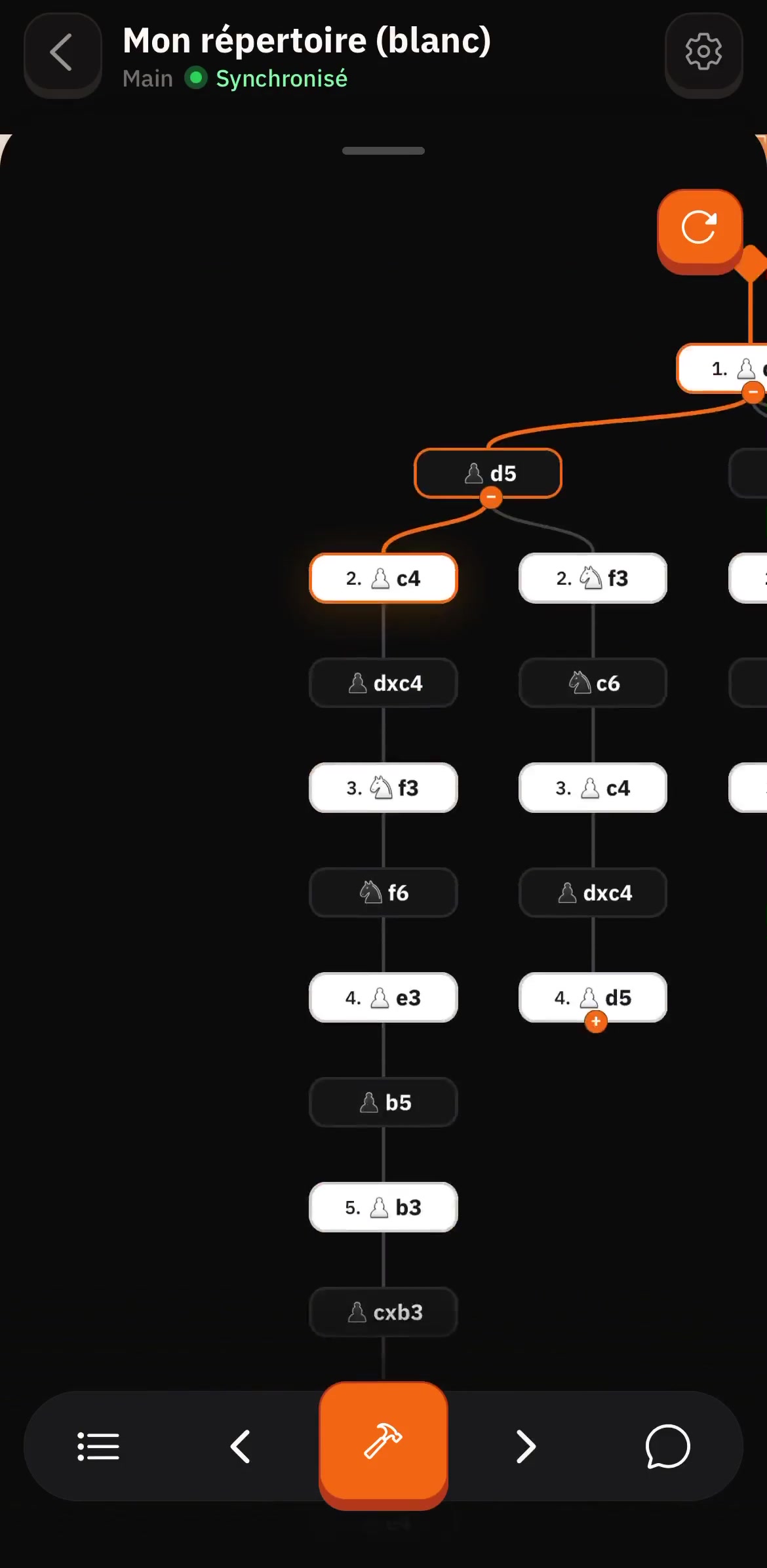
01Clear opening tree
02Centralized variations and comments
07 / Full web and mobile sync
Prepare on desktop. Review on mobile. Everything stays synced.
Build studies and analyze positions on desktop, then continue your reviews on iOS or Android without losing progress.
Build your repertoire, train your lines with spaced repetition, then keep them fresh all year on desktop and mobile.
Yes. Desktop and mobile work independently, and your progress data stays synced.
- Real-time cloud sync across all your devices.
- Review 5 to 10 minutes on mobile.
- Review daily with spaced repetition.
CHESSFLARE / DESKTOP
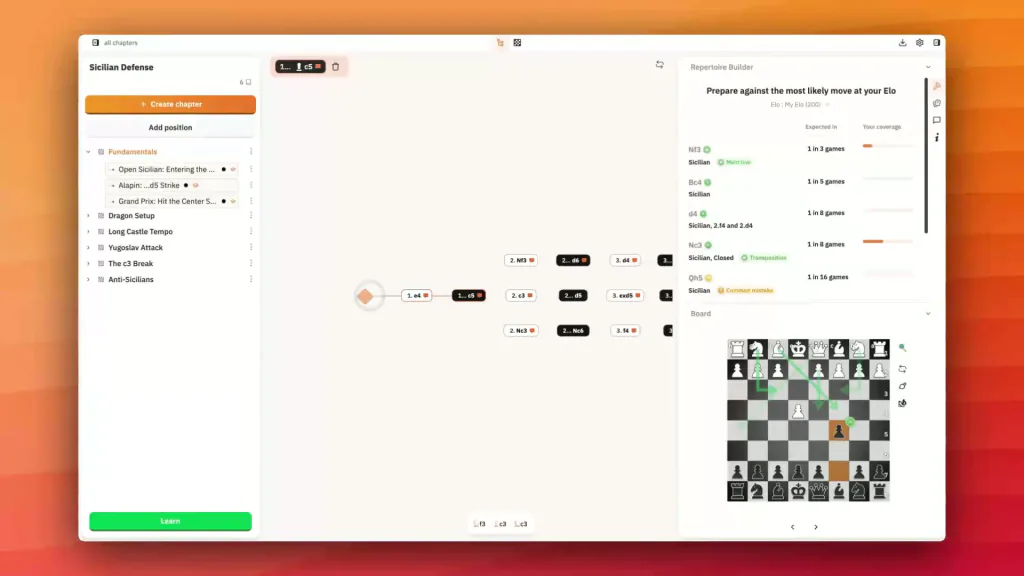
Mobile syncUse desktop and mobile independently with synced data
Reviews
More than 50k users
5 / 5
“Great for chess beginners, I'm just starting and the app is awesome to learn and build strategies”
“Excellent app for chess enthusiasts, organize openings, study games, and review efficiently with Spaced Repetition, clear and well‑designed interface, you can tell it was made by passionate players, highly recommended”
“Good app, smooth and intuitive, helps every level progress, no fluff, top”
“Incredible, exactly what I was looking for”
“Super, perfect”
Mobile app
Frequently asked questions
Your suite of tools to improve your chess, now on mobile!
Can I import or sync my games?
Yes. You can connect your accounts to sync your games and analyze your real mistakes faster.
Can I review on mobile?
Yes. You can study on desktop and mobile with the same ChessFlare account.
Is ChessFlare free?
Yes! Chessflare offers a free tier that gives you access to core features. We also offer premium plans with additional features for serious chess learners.
Does ChessFlare have a mobile app?
Yes. ChessFlare has a mobile app to review studies on mobile.
Does it work with Chess.com and Lichess?
Yes. You can connect your accounts to sync your games and analyze your real mistakes faster.
Can I use ChessFlare as an opening repertoire builder?
Yes. ChessFlare is designed to turn PGN work into opening repertoires with chapters, variations, annotations, analysis, and training.
Does ChessFlare use spaced repetition?
Yes. ChessFlare uses SM2 spaced repetition to schedule reviews automatically.
Keep a short daily chess routine on mobile
Keep a short daily chess routine on mobile with synced progress and focused review.
Download the ChessFlare mobile app