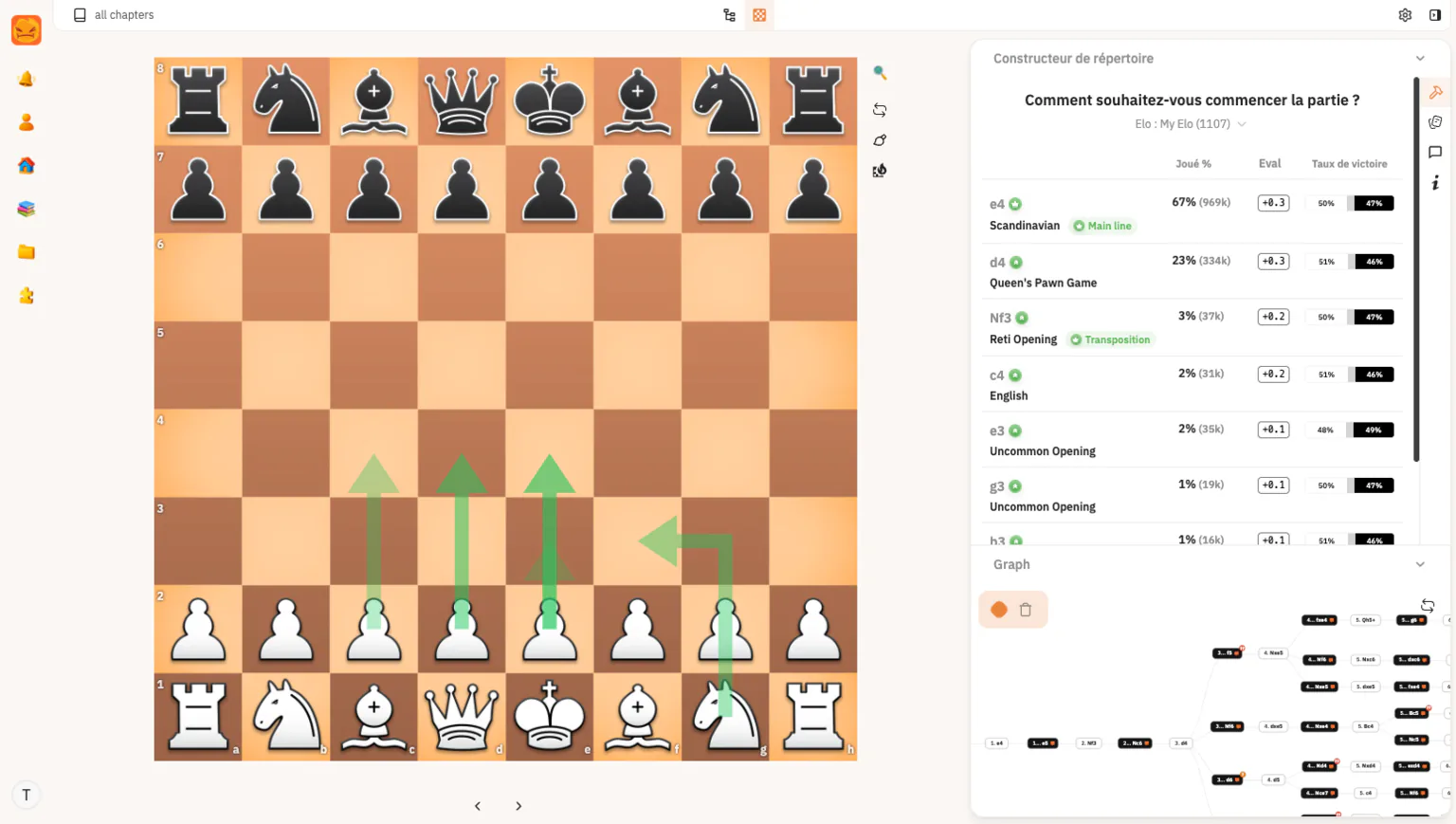
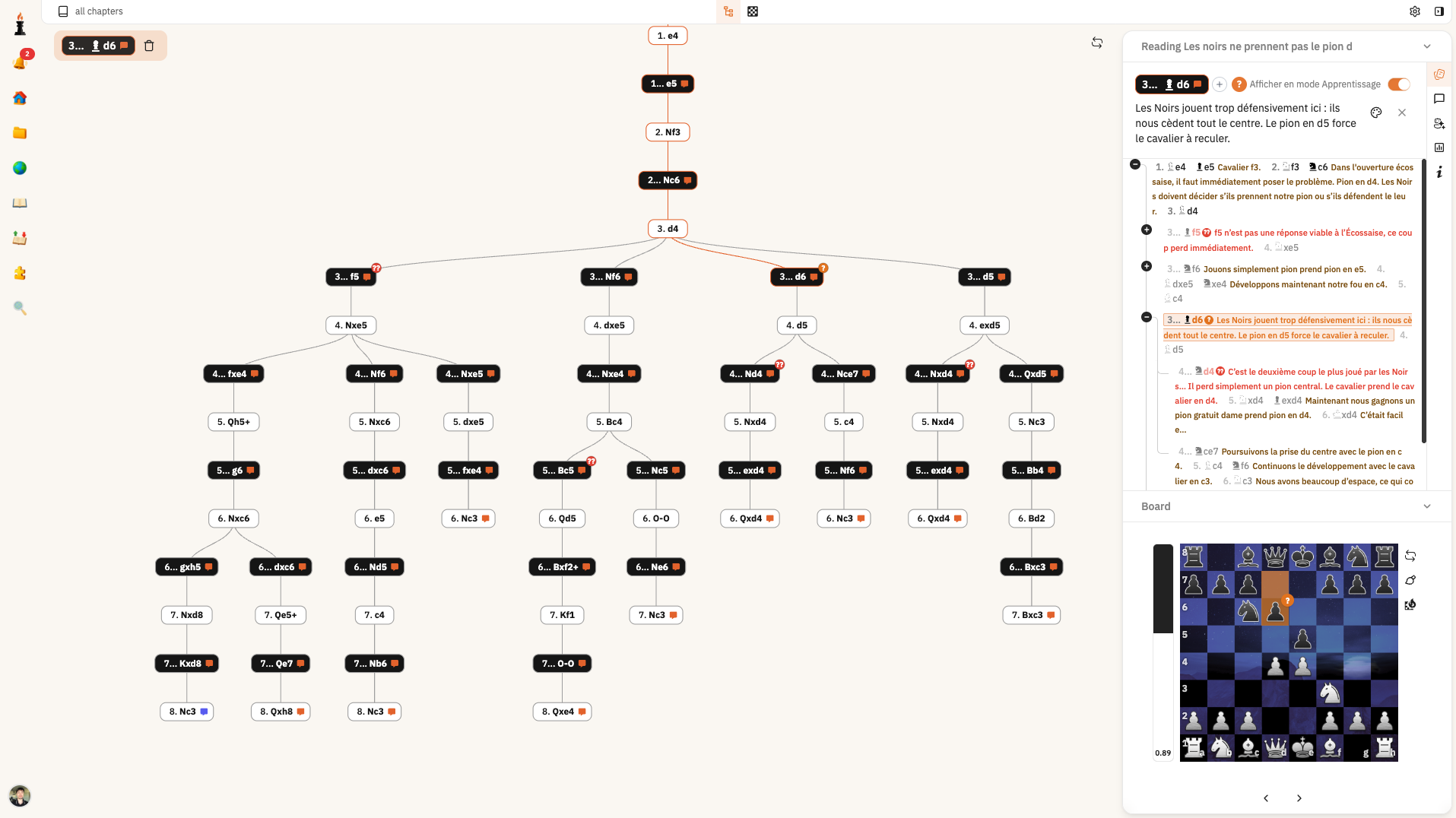
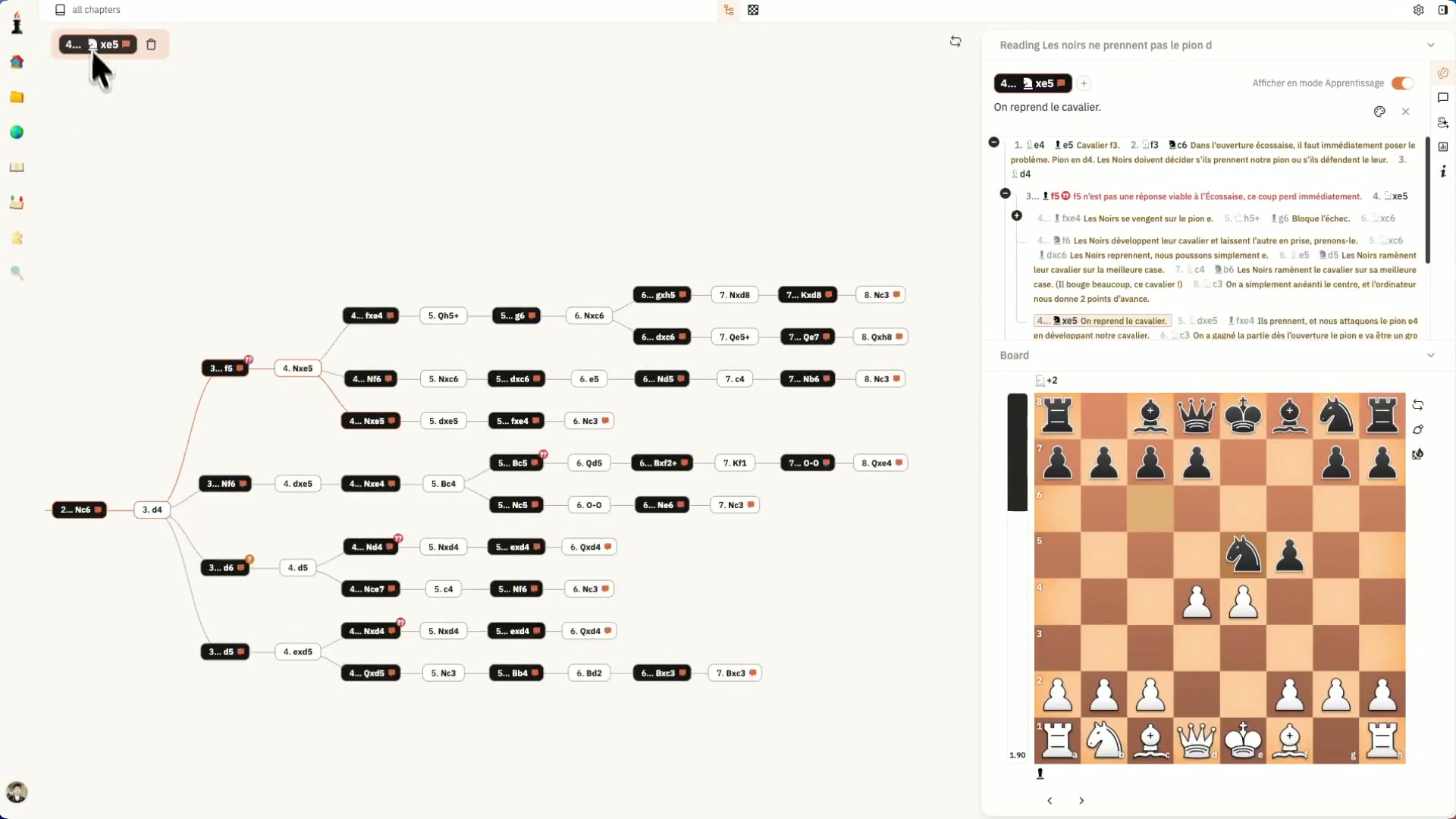
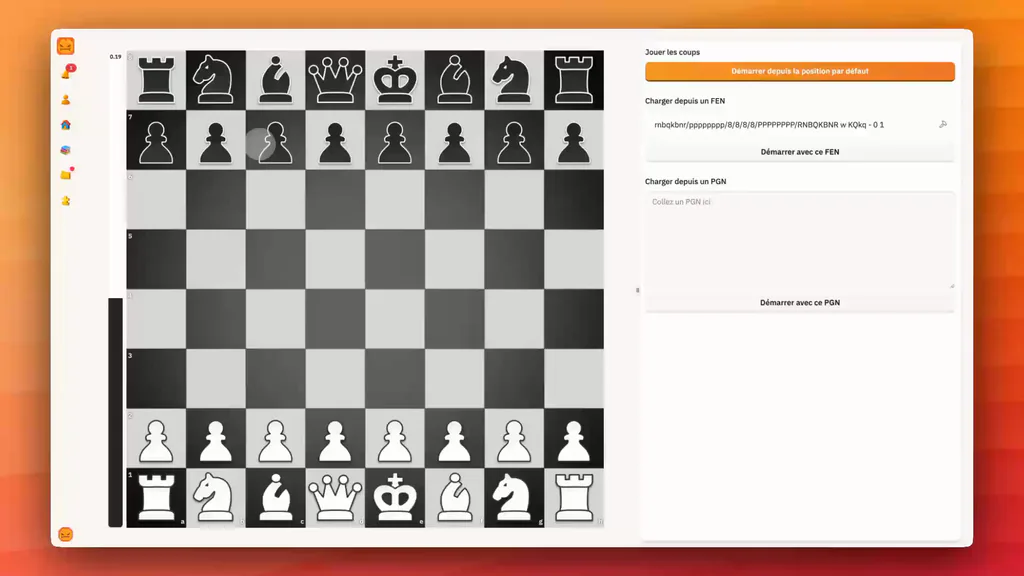
Edit PGN files online with ChessFlare's modern chess PGN editor. Import, organize and export your games or opening repertoires, analyze positions with Stockfish, visualize variations in a clear move tree, and continue your study on desktop or mobile with cloud sync.
Why use ChessFlare instead of a traditional PGN editor?
Classic PGN tools can display and edit games. ChessFlare adds repertoire structure, training, analysis, and device continuity around that PGN work.
Need
Traditional PGN editor
ChessFlare
Edit PGN
Yes
Yes
Organize repertoire
Limited
Yes
Visualize move tree
Sometimes
Yes
Analyze with Stockfish
Sometimes
Yes
Cloud sync
Rare
Yes
Mobile continuation
Rare
Yes
Spaced training
No
Yes
Why this page is different
Everything you need for a high-performance PGN editor
A visual repertoire-focused approach: build cleanly, then read possibilities at a glance.
Dedicated builder
A panel designed to build a robust repertoire.
Move tree
A clear chart to visualize branches.
Visual navigation
Spot key lines and their connections quickly.
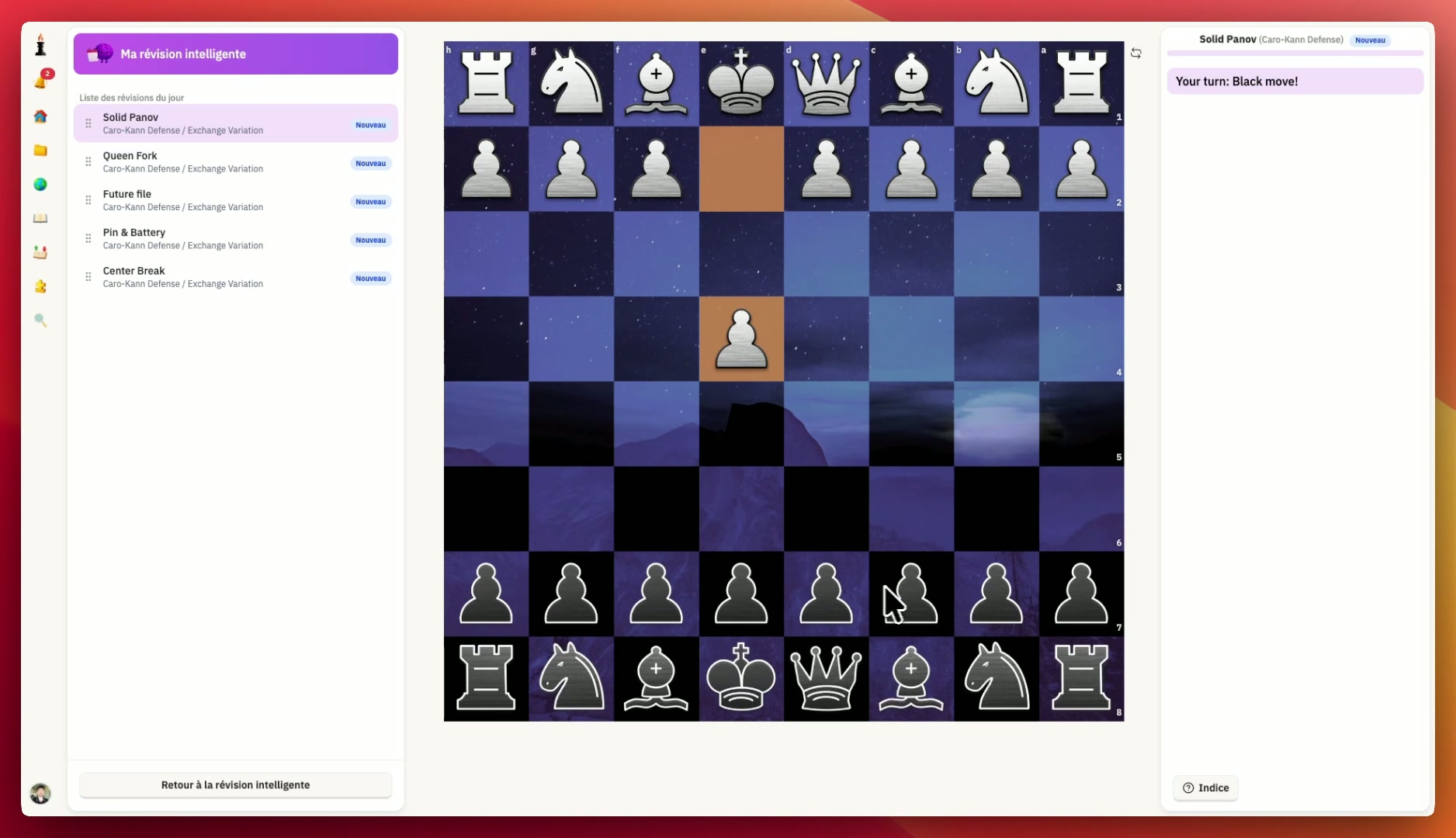
Mobile native routine
You can maintain your opening memory even away from desktop.
FAQ
Frequently asked questions
What is the best online PGN editor?
The best online PGN editor depends on your workflow. ChessFlare is built for players who want PGN editing, repertoire organization, Stockfish analysis, move tree visualization, cloud sync, and training in one place.
Can I edit PGN files online for free?
Yes. You can start editing PGNs on ChessFlare for free. Some advanced features may require a ChessFlare Pro plan.
Can I import and export PGN files with ChessFlare?
Yes. You can import existing PGN files, structure them into studies, then export your work when you need to reuse or share it.
Can I analyze PGN files with Stockfish?
Yes. ChessFlare includes Stockfish analysis so you can check positions, compare candidate moves, and improve lines from inside your PGN workflow.
Can I use ChessFlare as an opening repertoire builder?
Yes. ChessFlare is designed to turn PGN work into opening repertoires with chapters, variations, annotations, analysis, and training.
Can I edit PGNs on mobile?
Yes. You can continue your study on mobile while your PGN studies stay synchronized with your desktop workspace.
What is the difference between a PGN viewer and a PGN editor?
A PGN viewer mainly displays games. A PGN editor lets you create, modify, annotate, organize, analyze, import, and export PGN content.
Can I use ChessFlare instead of ChessBase or Lichess Studies?
ChessFlare can replace many PGN editing and repertoire workflows when you want a web and mobile workspace focused on editing, analysis, structure, and training.
PGN Editor
Build your repertoire and visualize every possibility
Use the repertoire builder panel and move tree chart to train your openings clearly and efficiently.