

Analysis board
Free Chess Analysis Board: Use Stockfish Without Wasting the Lesson
Use a free chess analysis board for Stockfish lines, FEN, PGN, candidate moves, and a practical ChessFlare workflow after the evaluation.
Use a free chess analysis board for Stockfish lines, FEN, PGN, candidate moves, and a practical ChessFlare workflow after the evaluation.
Use a free chess game review app to find turning points, understand mistakes, compare analysis workflows, and turn game review into targeted training.
Use a chess game analyzer to review Chess.com, Lichess, or PGN games, find turning points, explain mistakes, and turn analysis into targeted training.
Choose a PGN viewer that can replay games, handle variations, support analysis, and turn PGN files into useful chess training.
Learn from the game you actually played
Good chess analysis explains why a decision failed and what to do differently next time. These guides help you review a game from the opening through the endgame, identify turning points, read evaluation changes, and distinguish a tactical oversight from a deeper planning problem. The aim is not to copy every engine move. It is to uncover lessons you can recognize again.
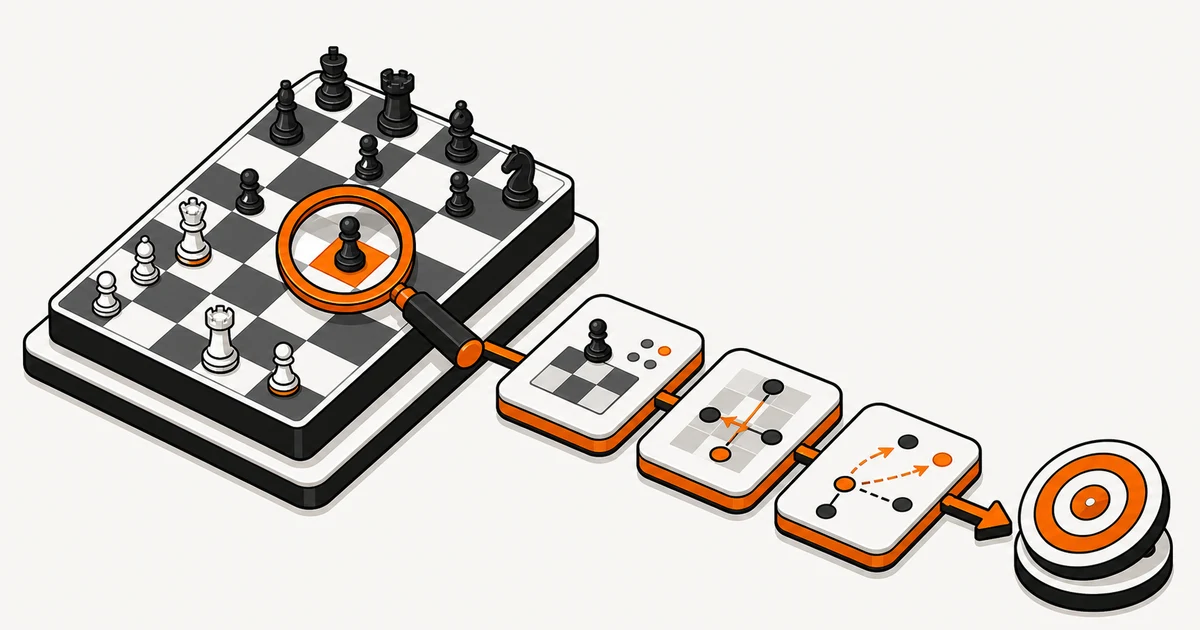
Start your review before turning on Stockfish. Record what you calculated, where you felt unsure, and which alternatives you considered. Then use engine analysis to test those ideas, check tactical details, and explore a small number of meaningful variations. PGN and FEN make it easier to preserve critical positions, but comments in plain language are what turn those positions into useful study material.
Choose guides according to your bottleneck. Beginners may need a repeatable review checklist, while experienced players may focus on candidate moves, time use, or opening preparation. ChessFlare can connect imported games, analysis, and follow-up training so a mistake does not remain an isolated annotation. Finish every review with one or two actions you can practice in the next session.