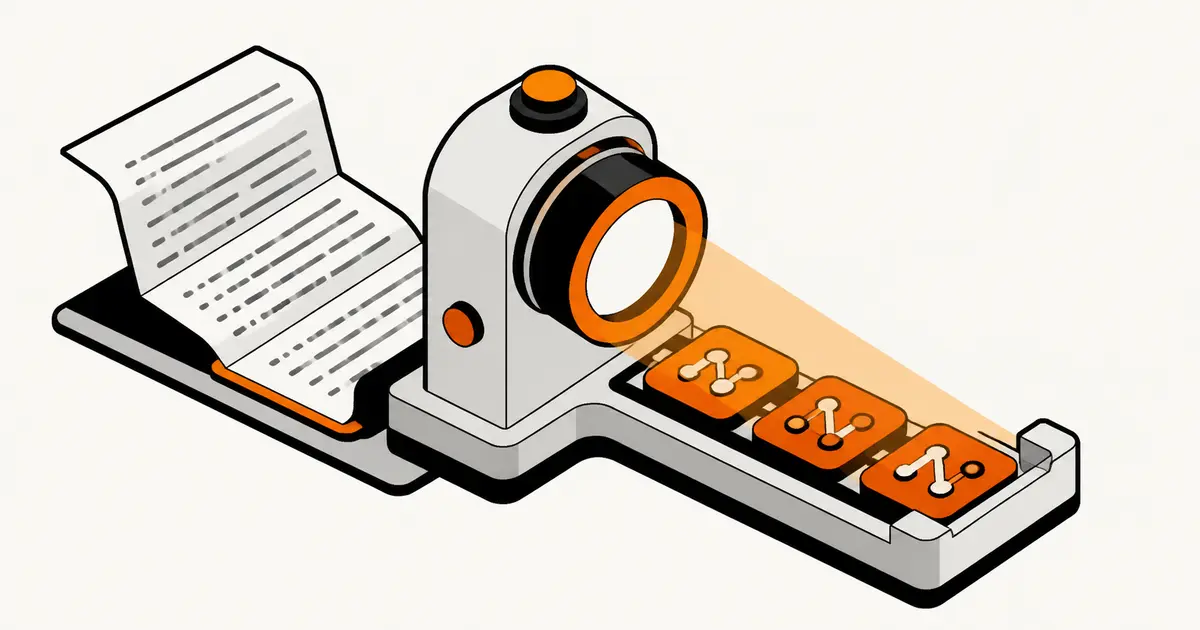
PGN Viewer: Replay, Analyze, and Train Chess Games
A PGN viewer should do more than replay moves. The best workflow helps you read the game, analyze the critical moments, and turn useful lines into training.
A PGN viewer should do more than replay moves. The best workflow lets you read a PGN, keep variations clear, analyze critical positions, and turn useful lines into training.
A PGN viewer lets you paste or upload a chess PGN file and replay the moves on a board. That is the minimum job. A better PGN workflow also handles variations, comments, analysis, annotations, export, and training.
If you only need to check one game quickly, a simple online PGN viewer is enough. If you want the PGN to become useful, use a tool that can move from viewing to editing, analysis, repertoire work, and review. ChessFlare is built for that second job with a PGN editor, analysis, Opening Trainer, and connected game review.
Quick answer: what makes a good PGN viewer?
A good PGN viewer should replay the game clearly, preserve comments and variations, let you jump through branches without confusion, and make the next action easy. The next action might be checking a tactic, adding a note, exporting a cleaned file, or turning an opening line into training.
The strongest choice depends on intent. Use a lightweight viewer for quick replay. Use ChessFlare when you want the PGN to become a study object: edit it, analyze it, organize it, train it, and keep it synced across desktop and mobile.
Viewer vs editor: the important difference
A viewer answers one question: what happened in the game?
An editor answers a stronger question: what should I keep, change, explain, analyze, or train from this game?
That difference matters because many PGN files are not clean. They include comments, multiple games, nested variations, engine symbols, imported annotations, or opening branches. If the tool only replays moves, you still have to do the useful work somewhere else.
PGN viewer checklist
Before choosing a PGN viewer, check whether it can:
paste or upload PGN files
replay moves clearly on a board
preserve comments and variations
jump between branches without losing context
support engine analysis or connect to an analysis board
export the cleaned PGN
turn useful lines into training when needed
The last point is where a simple viewer becomes an improvement workflow.
When a simple online PGN viewer is enough
Use a simple viewer when you receive one game from a friend, coach, article, or tournament database and only need to replay it. This is fast and low friction.
It is also enough when the PGN is temporary. If you do not plan to annotate, save, review, or train the line, a lightweight viewer is the right tool.
The mistake is using a temporary viewer for material that should become part of your chess system.
When ChessFlare is the better PGN workflow
Use ChessFlare when the PGN contains something you want to keep. That can be a model game, an opening branch, a blunder pattern, a coach note, a tournament file, or a position you want to analyze later.
In ChessFlare, the PGN can become more than a replay:
The most common problem is variation confusion. A line contains nested branches, and the viewer makes it hard to know which branch is main, which is a note, and where the game returns.
The second problem is lost comments. If the viewer strips annotations or symbols, you lose the coach's explanation or your own memory cue.
The third problem is dead-end analysis. You can see the game, but you cannot easily ask why a move failed, save the better line, or train the correction.
A good workflow protects context. The PGN should stay readable after you start working on it.
Best PGN viewer workflow for improvement
Use this simple process:
Open the PGN and replay the game once
Mark only the important moments
Analyze one or two critical positions
Add plain-language comments
Save the cleaned line
Train the branch if it affects your openings or recurring mistakes
This keeps PGN work practical. You avoid turning one file into a huge database project.
A PGN can carry much more than moves. It can include player names, event tags, result, comments, clock notes, numeric annotation symbols, and variations inside variations. A viewer that ignores those details may still replay the main line, but it can destroy the reason the file mattered.
That matters for coaches, club players, and anyone studying annotated games. A coach may send one PGN with three candidate plans. A student may export a game with comments. A repertoire file may contain branches that show what to do after each common reply. If the viewer flattens everything, study value disappears.
PGN vs FEN: know what you are opening
PGN describes a game or game fragment. FEN describes one position. If you want to replay move history, import PGN. If you only need a single board setup, use FEN or an analysis board. Confusing them creates many “my file does not open” moments.
Before blaming the viewer, check the file. Does it contain legal moves? Are tags closed with brackets? Are comments closed with braces? Is it one game or a multi-game database? Are there unsupported symbols from another platform? A good workflow helps clean these problems instead of hiding them.
Privacy and sharing
A PGN often looks harmless, but it can contain private preparation, coach notes, opponent names, timestamps, or event details. Before pasting it into any public tool, decide whether the game can be public. For casual replay this may not matter. For tournament preparation or student work, it does.
The safest habit is simple: clean the PGN, remove sensitive comments when needed, then export a version meant for sharing. Keep the working version separate from the public version.
From viewer to training object
The best PGN workflow ends with a decision. Was this file only for replay? Then close it. Was there a critical mistake? Send it to analysis. Was there an opening branch worth remembering? Turn it into training. Was there a model plan? Save the comments. Was the PGN messy? Clean and export it.
That is why a viewer, editor, analysis board, and trainer should feel connected. The PGN is the bridge from a game you watched to a position you will remember.
Practical PGN use cases
A club player may use a viewer to replay a weekend game and mark two turning points. A coach may use it to send one annotated file with comments and side lines. A repertoire builder may use it to import a branch, clean move order noise, and save only the line worth remembering. A content creator may need a clean replay that preserves comments before sharing.
Those use cases need different depth. Quick replay needs speed. Coaching needs comments and variations. Repertoire work needs editing and export. Training needs the PGN to connect with active recall. The mistake is choosing one tiny viewer and expecting it to cover all four jobs.
Cleanup workflow before analysis
Before analyzing a PGN, clean it. Remove duplicate games, check illegal moves, keep only useful comments, and separate public notes from private preparation. Then replay the file once without engine. Mark moments where the plan changed, the evaluation shifted, or you did not understand the move.
Only after that should engine analysis enter. If the engine arrives too early, the PGN becomes a list of verdicts instead of a study path. Human notes first, engine correction second, training decision third.
Final verdict
A PGN viewer is useful for replay. But replay is only the first step. If the game, line, or comment matters, choose a workflow that lets you edit, analyze, organize, export, and train from the same PGN.
ChessFlare is strongest when you want that bridge: PGN viewing, editing, analysis, opening training, game review, and synced practice in one place.
PGN viewer FAQ
Short answers for choosing a PGN viewer, editor, or training workflow.
What is a PGN viewer?
A PGN viewer is a tool that reads a chess PGN file and replays the moves on a board, often with comments and variations.
What is the difference between a PGN viewer and PGN editor?
A viewer mainly displays the game. An editor lets you modify, annotate, analyze, organize, import, and export the PGN.
Can I view PGN files online?
Yes. Many tools let you paste or upload a PGN online. Choose a richer workflow if you also want analysis, annotations, or training.
Can ChessFlare work as a PGN viewer?
ChessFlare is positioned as a PGN editor and training workflow, so it can cover PGN viewing while adding editing, analysis, repertoire work, and review.
Should I use a PGN viewer for opening training?
A viewer can help you read the line, but opening training needs active recall and review. Use a PGN opening trainer when you want to remember the moves.
What should a good online PGN viewer include?
It should paste or upload PGN, replay moves cleanly, preserve comments and variations, support analysis, and make it easy to export or continue training.